
If you want your inserted video clip to play from a certain point within the video clip, you can actually trim the video so that it only plays the parts you want. However, there is another elegant solution that lets you achieve the same results, and do even more. This feature is called a Bookmark. It is similar to the conventional bookmarks you place within the pages of a book you are reading. Just like how you can easily go to that particular page with the help of a bookmark, the Bookmark you add to a video clip becomes an indicator of the time position you want to access.
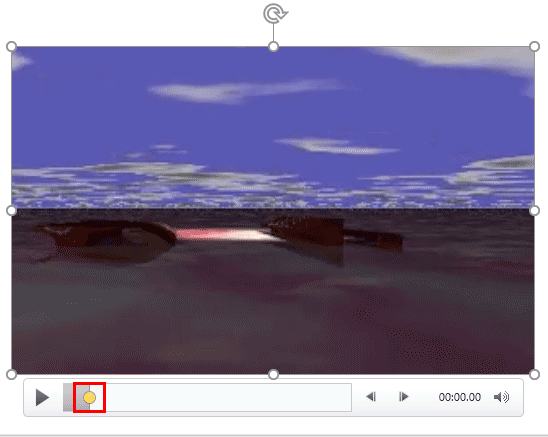
Learn how to add Bookmarks to video clips in PowerPoint 2016 for Windows.
Related Posts
 After adding Bookmarks to video clips, you may want to know how you can edit and remove those Bookmarks. PowerPoint does not let you edit inserted Boo...
 Do you want to insert video clips within your PowerPoint slides? Videos can be useful to express your message, and PowerPoint lets you easily insert v...
 You can export your presentation slides created within PowerPoint into a video clip in either WMV or MP4 formats. This is probably the easiest way to ...
 Once you add Bookmarks to an audio clip, you may want to edit or remove one or more Bookmarks altogether. In PowerPoint, you can't edit a Bookmark. Fo...