
In PowerPoint, and in other Office 2016 programs on the Mac, you typically need to sign in to a Microsoft Account so that you can access saved settings, customizations, and even some files off the cloud. You typically do this by managing your Account, right inside PowerPoint or another Office 2016 program such as Word and Excel. The Account tab in Backstage view is not as full-featured as what you see within PowerPoint 2016 for Windows, but most options can be found elsewhere, as we will explore within this tutorial.

Learn about options within the Account tab of Backstage view in PowerPoint 2016 for Mac.
Related Posts
 Unlike in PowerPoint versions on Windows, you cannot access Share options in Backstage view within PowerPoint 2016 for Mac. Instead, all share options...
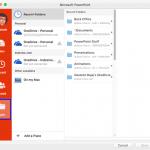 When you click the File menu and access Backstage view in PowerPoint, several options appear. On this page, we explore the Open option, which brings u...
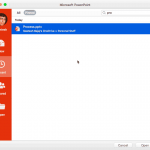 The Recent option within the Backstage View provides you with a list of recently opened presentations so that you can quickly select the one that you ...
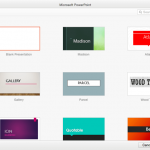 When you launch PowerPoint 2016 for Mac, you are provided with an option to create a new blank presentation. Further, if you are already working on an...