
 (No Ratings Yet)
 Loading...
Drawing a simple straight, point to point line in PowerPoint 2016 is a piece of cake. Now, in this tutorial, we’ll move on further to show you how you can draw a curved line. With curved lines, you can create both open and closed shapes.

Learn how to draw a curved line in PowerPoint 2016 for Windows.
Related Posts
 Beyond being just a program to create slides, PowerPoint is also a great illustration program with tools and options that rival top end graphic progra...
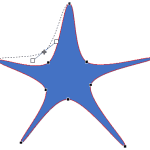 When a shape is inserted into a PowerPoint slide, its default appearance is related to the points that it contains. Alter the points, and you can chan...
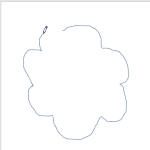 Drawing with the Scribble line tool is almost the same as drawing with the Freeform line tool, but there is one vital difference. You don't need to do...
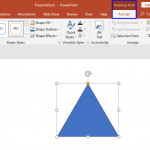 When you insert a new shape on a slide in PowerPoint 2016 (or in any previous version), by default it is filled with a solid color and an outline (or ...