
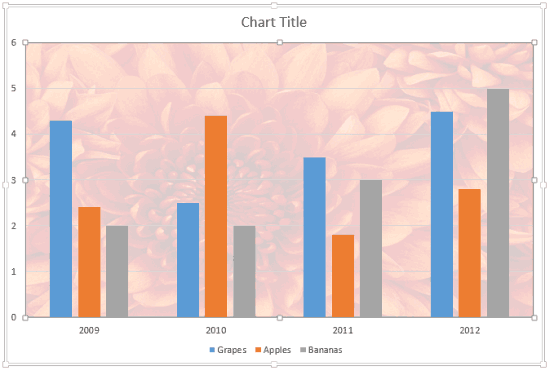
The Plot Area of a chart, which is transparent by default, can be enhanced with various fill types. But you should exercise some caution — a busy Plot Area will subdue the actual chart! This can be avoided by taking a little precaution while choosing the fill type and also when you apply it. In this tutorial, we will explore texture fills.

Learn how to apply texture fills to the Plot Area of a chart in PowerPoint 2013 for Windows.
Related Posts
 Patterns in PowerPoint are two-color designs comprising lines, dots, dashes and checks. PowerPoint includes 48 patterns such patterns with names like ...
 Picture fills can look great and distracting depending upon the type of picture you chose -- and the object that you fill with the picture can also ma...
 Gradient fills are typically blended fills between two or more colors that graduate from one color to another -- and if you use neutral or muted color...
 Typically, the Plot Area sports no fill attributes, and thus shows the slide's background. You can apply any fill to your chart's Plot Area. The reaso...