
 (No Ratings Yet)
 Loading...
Both PowerPoint 2010 and PowerPoint 2007 show the name of the active Theme for a presentation within the Status Bar. Now, look for a similar option within the PowerPoint 2013 interface. Note that there is no Theme name displayed on the Status Bar. However you can reinstate the Theme name, as explained in this tutorial.

Learn how to display and identify the active Theme name PowerPoint 2013 for Windows.
Related Posts
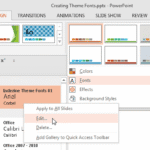 Theme Fonts comprise a pair of font choices, one each for your slide titles (Heading font) and the other for everything else on your slides (Body font...
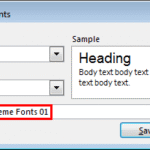 Theme Fonts are font choices that are part of a Theme in PowerPoint or other Microsoft Office programs. Each Theme Font set has two font choices, one ...
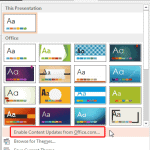 When you bring up the Themes gallery within PowerPoint 2013, do you find that several Themes are missing? Alternatively, do you find that your friends...
 In PowerPoint, any Theme brings to the table several unique facets that differ from Theme to Theme. These include Theme Fonts, Theme Colors, and Theme...