
PowerPoint add-ins help in adding new capabilities that can polish your presentation in many ways. But when the time comes to uninstall these add-ins for whatsoever reason, you might be surprised to find their menu customizations still existent! Click those menu extensions and nothing may happen — but these menu options are still there! In another scenario, you may have customized your PowerPoint menus and toolbars to a large extent — and may now want to restore everything to a pristine state — almost like how the interface looked when you first installed PowerPoint.

Learn how to remove customizations from PowerPoint’s PCB files in PowerPoint 2003 for Windows.
Related Posts
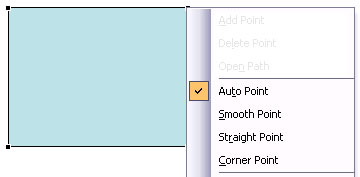 Every shape in PowerPoint is a combination of segments (lines) and points (vertexes) -- and these segments and vertexes are only visible within Edit P...
 You have learned what the Edit Points option in PowerPoint is, and how it works. The Points you see and edit give you control over how you want a shap...
 When you use any of the shapes available in PowerPoint, you are not limited to what their default appearance looks like. You may want to change a rect...
 When you launch PowerPoint 2003, it opens an empty presentation of just one slide. Typically this one slide has a title placeholder and another placeh...