
 (No Ratings Yet)
 Loading...
You can add a new Slide Master to your presentation — you can also duplicate the existing Slide Master. You can then format it to change its look by applying a Background Style, add a custom background, add new Slide Layouts, etc. But why would you do all these tasks in the first place? There needs to be a compelling reason to do so.

Learn how to apply Slide Masters to individual slides in PowerPoint 2011 for Mac.
Related Posts
 PowerPoint's, Slide Layouts are a very useful feature because they let you use a boilerplate arrangement of placeholders repeatedly, resulting in slid...
 In a presentation with plenty of slides, it's quite easy to locate a specific slide as long as you know the sequence of your slide deck. You can see w...
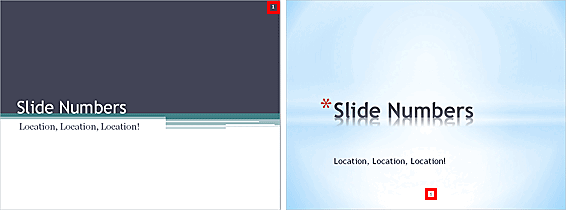 When you insert Slide Numbers on your slides, you may discover that the location of the Slide Number changes depending upon the active Theme of your p...
 Duplicating a Slide Master is different from adding a new Slide Master. And it's a time saving option because you don't have to make the same changes ...