
When you increase or decrease the font size of text in PowerPoint, you’ll discover that not only does this make a difference in the aesthetics of your slide, but the text itself uses more or less space than you may want. Sometimes, you may want the text to take just a wee bit lesser space so that all content can fit within two lines rather than three. If you want to alter the spacing between text characters, you can do so by using PowerPoint 2011’s Character Spacing option that influences the appearance and readability of both Title and Body text. Character Spacing is the amount of space in-between individual letters.
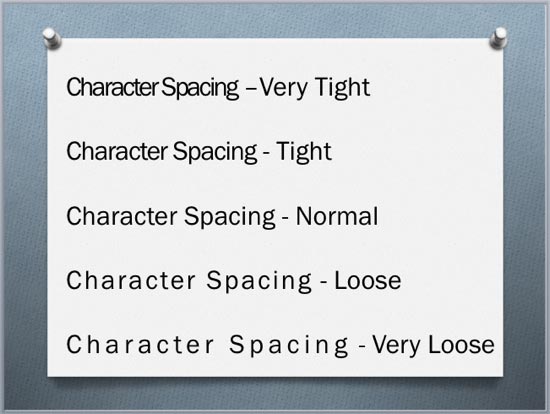
Explore various Character Spacing options in PowerPoint 2011 for Mac.
Related Posts
 First of all, why would you need to highlight text? One answer could be that you want to emphasize some important words or phrases within your slide. ...
 While it is easy to change proofing language for selected text containers, that happens to be a great time waster if you need the language changed acr...
 English is spelled and pronounced differently in various parts of the world. For example, color is perfectly valid spelling in the US, but not so in t...
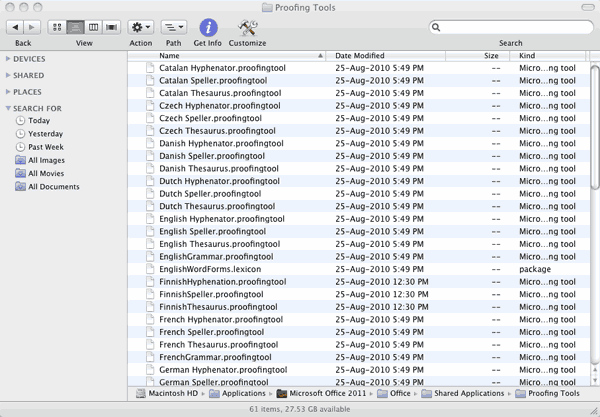 Microsoft Office programs such as PowerPoint include proofing tools (spelling dictionaries, thesauri, and grammar rules) for more than one language. T...