
 (No Ratings Yet)
 Loading...
You won’t find an option to add an Organization Chart in PowerPoint 2013’s Insert tab of the Ribbon. Instead, you will find the SmartArt option in the Insert tab, and organization charts are just one of the many variants of SmartArt graphics you can insert into your slide. An organization chart graphically represents the management or hierarchical structure of an organization. If you want to illustrate the reporting relationships in your company or organization, you can create a SmartArt graphic using the Organization Chart variant.

Learn how you can add an organization chart in PowerPoint 2013 for Windows.
Related Posts
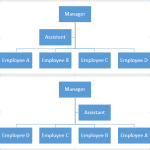 Once you have inserted an organization chart (org chart) within PowerPoint 2013, you might need to change the layout of the org chart. The "layout" me...
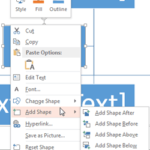 After inserting an Organization Chart (org chart) in PowerPoint 2013, you might need to add more shapes to your org chart. The default org chart that ...
 All the SmartArt layouts have text placeholders, which are basically text boxes. You can click and start typing within these placeholders to add text....
 SmartArt is a great new feature that Microsoft added in PowerPoint -- yet many users want to convert their SmartArt graphic to bulleted text, or even ...