
 (No Ratings Yet)
 Loading...
Pattern fills for shapes are two-color designs comprising lines, dots, dashes and checks. PowerPoint includes 48 patterns such patterns with names like Plaid, Weaves, Shingle and Zig Zag. Pattern fills for shapes are not included within the Shape fill drop-down gallery in PowerPoint 2016. But you can find this option buried within the Format Shape Task Pane. In this tutorial, we’ll show you how you can access Pattern fill options.

Learn to use Pattern fills for selected shapes in PowerPoint 2016.
Related Posts
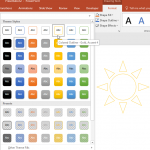 PowerPoint's fill, line, and effect attributes enable you to customize the look of shapes and other slide objects in your presentation. However, it ma...
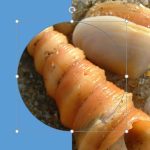 You have already learned how to add different fills for shapes. Just like the Pattern fill option, there is one more hidden shape fill option which yo...
 Add a gradient fill to your shape, and you may run into limitations! For one, PowerPoint's default gradient options choose all the gradient colors for...
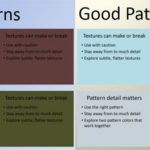 Patterns in PowerPoint are two-color designs comprising lines, dots, dashes, checks, etc. PowerPoint includes 48 such patterns with names like Plaid, ...