
While duplicating and editing Slide Layouts is a great way to make small changes, it’s not the same as creating a Slide Layout from scratch. As an analogy, duplicating and editing a Slide Layout is more like using a coloring book to fill color between the lines of pre-drawn art — but creating your Slide Layout from scratch is more like starting with a blank sheet of paper and drawing your art before you start coloring between the lines. You can decide which of these approaches works best for you.

Learn how to add a new Slide Layout in PowerPoint 2016 for Windows.
Related Posts
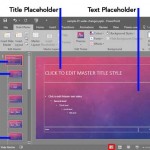 Slide Master view is an important view within PowerPoint 2016 for Windows. Why? Because, if you make any changes or edits within this view, these modi...
 You may have observed an omnipresent company logo in many slides -- and that raises a question: do you really need to have a company logo on all your ...
 Do you want your pictures to be contained within shapes that look like frames? Or maybe you want to use silhouette style placeholders for your picture...
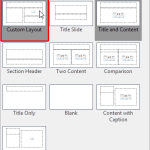 In PowerPoint, a placeholder is a container that you can use to fill in with some content. When you launch PowerPoint, you will see distinctive boxes ...