
Animation effects in PowerPoint are timed for Entrance, Emphasis, or Exit. The first of these animation types is the Entrance animation. Entrance animations determine how the slide object appears on the slide. For example, you can make your slide object fly in from the side or fade in, or both. Of course, both Fly In and Fade are just two of the many Entrance animation effects in PowerPoint.

Explore entrance animation effects in PowerPoint 2007, 2003, and 2002 for Windows.
Related Posts
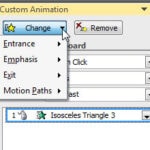 Many times, users just remove an animation and apply another one instead. The need to change an animation may arise for several reasons: You realize t...
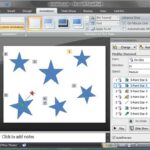 You need to reorder your animations mainly because you might have more than one animated object on a slide, and you discover that some re-sequencing o...
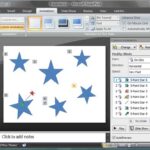 Before you start removing an animation, there is something you need to decide:Do you want to remove both the animation and the slide object that is an...
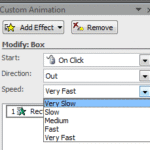 When you add animation to any slide object and set the animation event for it to occur, the next thing to do is set the speed of the animation. In thi...