
This is the print version of this page. All content is copyright Indezine.com 2000-2026.
Thoughts and impressions of happenings in the world of PowerPoint and presentations, continuously updated since 2003.
See Also:
PowerPoint and Presenting Notes
PowerPoint and Presenting Glossary
Will online applications ever replace the ones we use on our desktops? Will Google’s slew of online programs shake the Microsoft juggernaut of Office programs? There are no clear answers yet, but the battle lines are getting drawn more distinctly now as Google prepares to launch its presentation program in direct confrontation to PowerPoint.
However, there’s a larger question there waiting to be asked: will users be able to play these presentations offline, and project them? That’s going to be a more important issue for presentations than for documents and spreadsheets since presentations are projected or broadcasted to hundreds and thousands of users.
We’ll look for those answers and share them with you. Meanwhile, there’s more information on Google’s so called PowerPoint killer.
The Inquirer reported that it’s been known for a long while that Google will at some point take on PowerPoint with a web-based presentations package. The breaking news is that the coming-out party for the software is any day now. Called Presently, the slideshow program is likely to be based in part on code Google bought through the acquisitions of Zenter and Tonic Systems earlier this year.

Filed Under:
Companion Programs
Tagged as: Companion, Google, Google Slides, Microsoft Office, PowerPoint, Zenter
Comments Off on Google’s PowerPoint Plans
Microsoft has announced on Wednesday, a $60 web-based version of the company’s Microsoft Office Ultimate 2007 software that will be exclusively available to college students. Microsoft dubbed their latest promotion as the “The Ultimate Steal” and will run until April 30, 2008. The promotion already started in the United States, Canada, United Kingdom, and will be available to France, Italy, and Spain starting September 20, 2007.
Read more on the CBR Online site.
Filed Under:
Microsoft Office
Tagged as: Education, Microsoft Office, PowerPoint 2007
Comments Off on Microsoft Offers $60 Microsoft Office to College Students
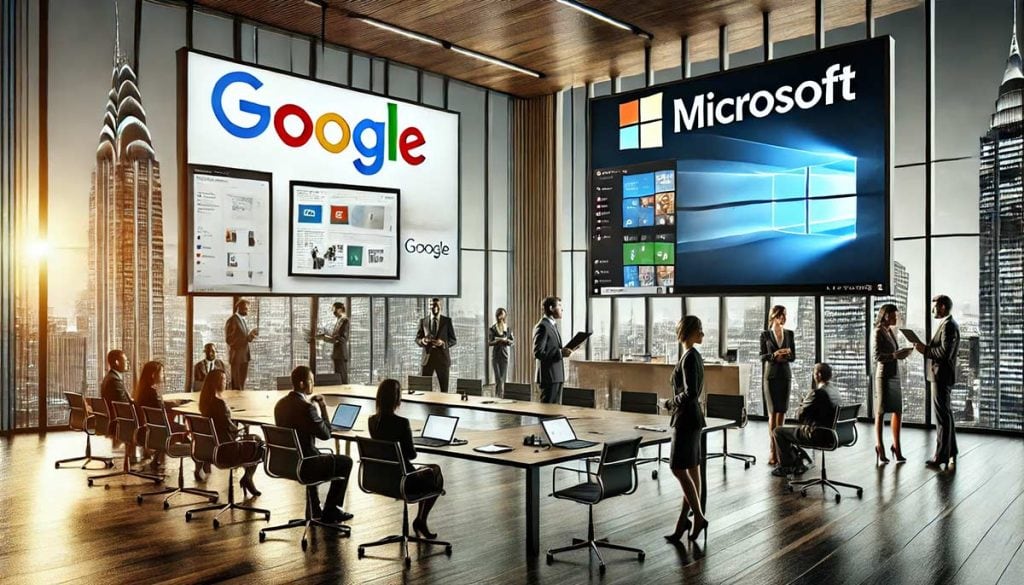
Microsoft and Google are expected to ramp up their competition in the emerging hosted office productivity market at the Office 2.0 conference in San Francisco. Google is expected to unveil a wiki component to its Google Apps service, as well as a hosted PowerPoint competitor, while Microsoft is expected to deliver a bundle of software and services apps under its Windows Live brand.
Read more on the CBR Online site.
Filed Under:
Companion Programs
Tagged as: Companion, Google, Google Slides, Microsoft Office
Comments Off on Google-Microsoft Office Rivalry to Escalate
To advance and succeed in your career, you need more than just technical skills. You also need to be able to present your ideas clearly and persuasively. Here are some suggestions that may help you in that regard. They assume you are in front of a group, using the ubiquitous PowerPoint and a projector.

Calvin Sun explains more on the TechRepublic site.
Filed Under:
Thoughts
Tagged as: Ideas, PowerPoint, Tutorials
Comments Off on 10 Things You Can Do to Make Your Presentations More Effective
 Joel Harband heads Tuval Software Industries, based in Israel. Their best known product is Speech-Over Studio, a PowerPoint add-in that enables PowerPoint slides to incorporate narrations using automated voices.
Geetesh: Tell us more about this new update to Speech-Over.
Joel: Microphone recording and prerecorded files can now be used in addition to text-to-speech (TTS) voices to add narration to PowerPoint presentations — substantially broadening the product’s applications. Also, you can now add narration clips to slides without attaching them to objects -– good for general topics like introduction and summary.
Speaking about recording, many people ask us: PowerPoint can already add voice recordings to presentations with the Record Narration function, why would I need Speech-Over? The answer is that Record Narration lets you add a voice track to a slide, and that’s fine for static slides. However, when objects on the slides are animated, you want to be able to easily synchronize the voices with the animations to achieve an effective multi-media, movie-like presentation. Speech-Over provides the solution: it delivers a voice track that is perfectly synchronized with the animations. Using a unique technology that adds voice clips directly to animated objects, it synchs voice media effects with the objects’ animation effects. And it’s easy to use: Speech-Over works in PowerPoint design mode and integrates with PowerPoint functions. Users can preview the results immediately in slide show mode. Its voice editing commands change the voice track without re-recording.
In another recent development, designers who want to add voices to PowerPoint-based Flash presentations are finding it easier to add voices to the presentations with Speech-Over before converting them to Flash. The voice track is automatically converted by the PPT2Flash conversion tools.
Speech-Over includes the basic Microsoft TTS voices free, and is now available in the Speech-Over Premium Voice Package, which includes the NeoSpeech premium voices Paul and Kate.
Geetesh: Can you share some case studies of people using Speech-Over?
Joel: Here are three case studies, each showing a different application of Speech-Over.
The views and opinions expressed in this blog post or content are those of the authors or the interviewees and do not necessarily reflect the official policy or position of any other agency, organization, employer, or company.
Filed Under:
Interviews
Tagged as: Add-in, Interviews, Joel Harband, PowerPoint, Sounds
Comments Off on Speech-Over Studio: Conversation with Joel Harband
Microsoft and the Office logo are trademarks or registered trademarks of Microsoft Corporation in the United States and/or other countries.