
This is the print version of this page. All content is copyright Indezine.com 2000-2026.
Thoughts and impressions of happenings in the world of PowerPoint and presentations, continuously updated since 2003.
See Also:
PowerPoint and Presenting Notes
PowerPoint and Presenting Glossary

Carmine Gallo, author of 10 Simple Secrets of the World’s Greatest Business Communicators wrote a nice feature for BusinessWeek recently. He sent me this link, and it makes great reading. He’s discussing Duarte Design, a design firm based out of Mountain View headed by Nancy Duarte.
Carmine says, Former Vice-President Al Gore raised the bar on presentation skills with An Inconvenient Truth. But he didn’t do it alone. I wrote a column about the movie when the DVD was released because it demonstrates some very good techniques that we all can apply to our own presentations. At the time, however, I was unaware of the firm behind the presentation: Duarte Design, based in Mountain View, Calif. I sat down recently with one of the firm’s principals, Nancy Duarte, and a group of designers to learn how to turn any presentation into a multimedia powerhouse.
Carmine adds, Listening to Duarte’s designers describe the process they take to develop presentations for corporate clients such as Google, Cisco, and Hewlett-Packard left me with a sense of what’s possible in contemporary storytelling.
Read more on the BusinessWeek site.
Filed Under:
Thoughts
Tagged as: Carmine Gallo, Case Studies, Nancy Duarte, PowerPoint
Comments Off on Designing the Perfect Presentation

RibbonCustomizer, the add-in product for Microsoft Office 2007 that allows you to customize the tabs within the Ribbon has now been updated to version 1.1. The new update is free for all users. See screenshots later on this page.
New features include:
You will find more info on the RibbonCustomizer site.
Filed Under:
Add-ins
Tagged as: Add-in, Microsoft Office, Patrick Schmid, PowerPoint 2007
Comments Off on RibbonCustomizer v1.1 Update
Filling in a hole in its Google Apps suite, Google has acquired Tonic Systems, which provides a set of tools for the online editing, viewing, and sharing of presentations created with Microsoft PowerPoint. Tonic Systems describes itself as “Java PowerPoint Specialists.” Google says it will incorporate Tonic’s technology into a new presentation service that will be added this summer to Apps.
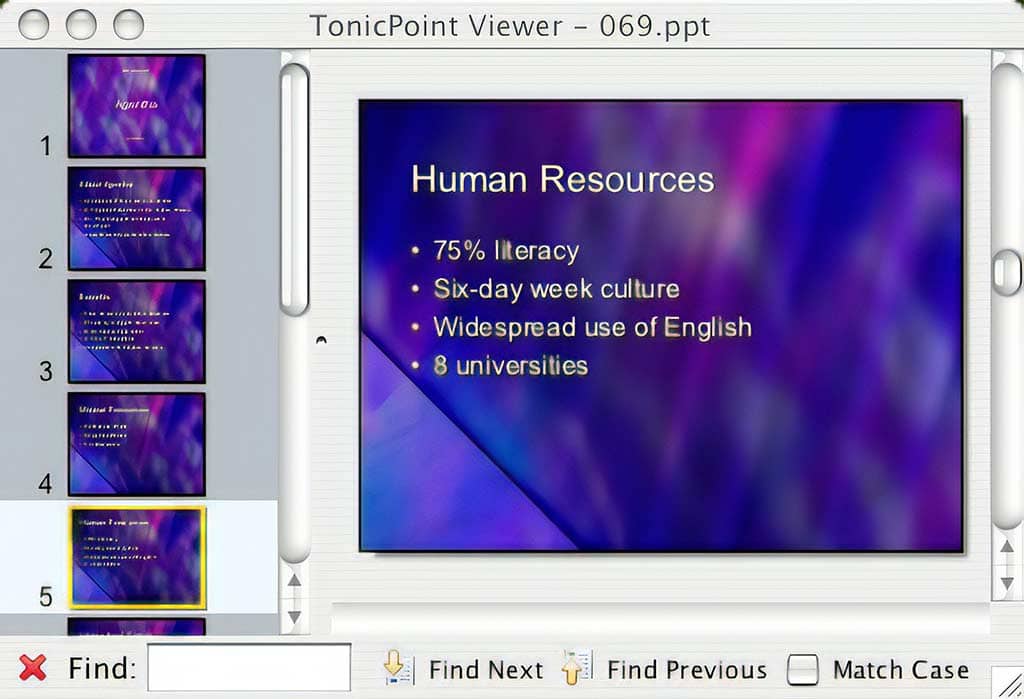
Read more on the Rough Type blog.
Several months ago, Indezine interviewed Chris Nokleberg of Tonic Systems for this blog. Read the interview here.
Filed Under:
Companion Programs
Tagged as: Companion, Google, Google Slides, PowerPoint
Comments Off on Google Acquires PowerPoint Competitor
Articulate announced Articulate Online, a new user-friendly hosted service that allows you to track how employees, customers and prospects interact with your e-learning courses, assessments, and presentations. This service also integrates seamlessly with Articulate’s other offerings: Articulate Presenter and Articulate Engage, thus allowing easy publish and distribution options.

Read more info on the Articulate site.
Filed Under:
Add-ins
Tagged as: Articulate, Online Presentations
Comments Off on Articulate Online Announced
The biggest feature in Microsoft’s new Office 2007 suite is most certainly the interface. Gone are the menus and the toolbars — now all the commands are available in the various tabs of the Ribbon. The Ribbon is much more intuitive — but for seasoned users who have been working with Microsoft Office applications for more than a decade, it does involve a serious amount of unlearning.
An interesting add-in for Office applications like Word, PowerPoint, and Excel now brings back the menus and toolbars — all inside a new Ribbon tab called “Menus”! The add-in is called Classic Menu Manager.

Read the Indezine review of Classic Menu for Office 2007.
Filed Under:
Add-ins
Tagged as: Add-in, Microsoft Office, PowerPoint 2007
Comments Off on Classic Menu for Office 2007
Microsoft and the Office logo are trademarks or registered trademarks of Microsoft Corporation in the United States and/or other countries.