
This is the print version of this page. All content is copyright Indezine.com 2000-2026.
Thoughts and impressions of happenings in the world of PowerPoint and presentations, continuously updated since 2003.
See Also:
PowerPoint and Presenting Notes
PowerPoint and Presenting Glossary
After delivering an amazing keynote session during the Presentation Summit 2011 in Austin, Nigel Holmes returned to this conference to present the first keynote of the conference in New Orleans in September 2015.
Nigel began by asking everyone to place a card that had a printed smiling lip over their lips. He then clicked a picture of the audience with the superimposed lips!

He then shared a humorous video about cheese and how cheese brings up romantic feelings!
Yes, that was humorous. Speaking of humor, Nigel talked about humor, good humor, good feelings, and feelings, and then emotions.
Nigel then shared a quote:
Your intellect may be confused, but your emotions never lie to you.
– Robert Ebert
Nigel shared some thoughts:
The best way to connect with people is to make them smile — not really laugh but just smile.
Humor has a close connection to human emotion.
Nigel then explained how you can save yourself from being eaten by an alligator. He certainly used a visual to explain this concept.

Now, making fun about how you can save yourself from an alligator while you are within the alligator? That may not appear to be too funny to some people! As Nigel added:
But — and it’s a big, heavy “but”, this is not trivializing information as some purists may fear.
He also added:
Here’s the dilemma. Just because it is serious, does it make it authoritative? Just because it is lighthearted, does it make it not authoritative?
Sometimes, these situations may lead to unexpected results. A particular scientist was upset when his research was being presented as a cartoonish visual. He was offended that humor was being used with his work. He complained, “You are making fun, you are making fun of my life’s work!” But then, after the visual was published, he had a different opinion. He said, “Now my colleagues can see and understand better what I have been doing all these years!” And yes, the scientist said, “thank you!”
Nigel clarified his thought process further:
Humor is not convincing others to be funny, but to be approachable.
He then quoted Confucius:
Tell me and I will forget;
Show me and I may remember;
Involve me and I will understand.
– Confucius, 450 BC
Nigel then asked everyone to do the paralysis test.

He showed a hand poster from the New York Times.

He asked the audience to notice that the size of the hand on that page was essentially many times larger than an actual human hand. Why was it larger? To explain this reasoning better, Nigel asked 6 attendees to come forward and participate in a small exercise.
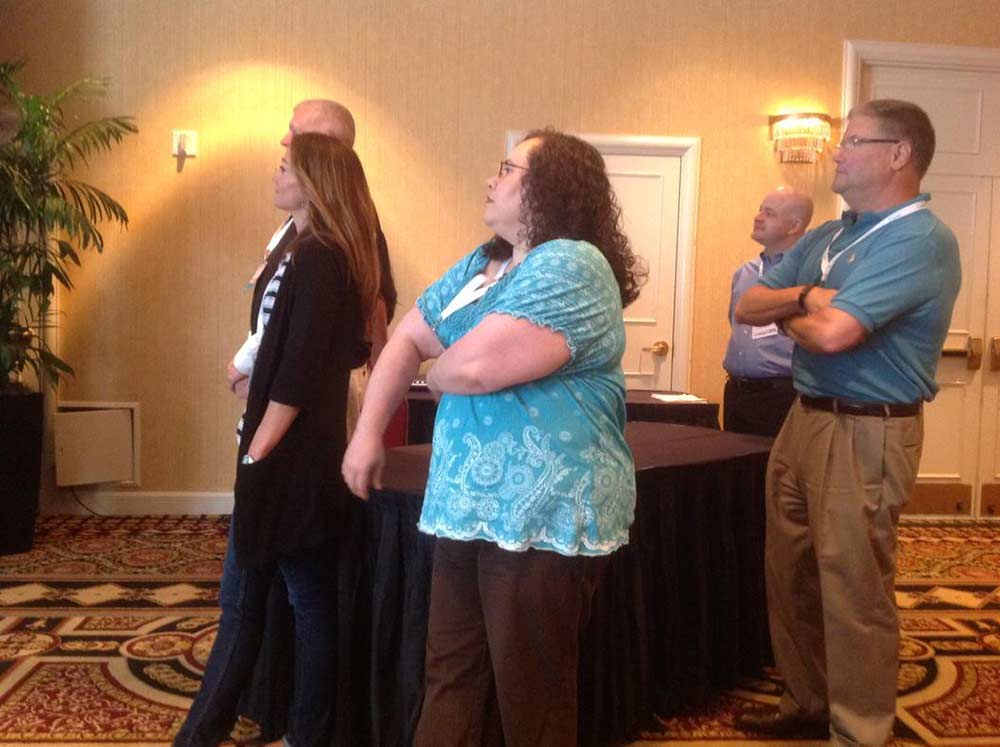
He showed them three pictures:
First, they were shown a picture of the facade of the hotel in New Orleans.

He then also showed a picture of the Lascaux caves in France, from around 16,000 years ago.

Finally, he showed a picture of the Chauvet caves in France, from around 32,000 years ago.

Nigel then remarked that paintings were not too different 16,000 and 32,000 years ago. So that must have been one long art movement!
Why did Nigel talk about something that was millions of years old? That was because he wanted to explore differences between a million, a billion, and a trillion — especially between a million, a billion, and a trillion seconds.
Nigel used exercises for the participants to make these differences obvious.

He also explained differences between a byte and zettabyte.

So, why this talk about millions, billions, and trillions, or even a discussion about bytes and zettabytes? That’s because everything relates to context. This context explains and makes one understand better. Context also lets you visualize.
Getting back to context, and this talk about millions and billions, Nigel opened up bundles of dollar notes. He actually had a million dollars! Were they real? Let’s leave that to your imagination and get to the context part now! So, a million dollars, when stacked above each other in wads would go up a little higher than 3 feet. A billion dollars would be twice the height of the Empire State Building. And a trillion dollars may take us somewhere in space?

Nigel then showed a visual of the moon. He compared the size of the moon to the size of USA or Australia. Nigel also showed a context-based graphic that wondered how large other planets in the solar system would be if the earth was the size of a cherry tomato?

Nigel shared some more thoughts:
Context helps bring out the sizes of things and their relations.
You understand something better when it is compared to something you know.
Leave space; the eye can fill in space.

Space creates a method to show something that’s important and directs the eye.
The key to a great information graphic is editing. Editing is not the same as simplifying. In fact, the word clarify is better than simplify.
Simplification means eliminating the unnecessary so that the necessary may speak.
– Hans Hofmann
We cram in too much stuff into the spaces we are given.
It’s just not graphics, toothbrushes are complicated too!

Pie charts may be a no-no now, but here’s a pie chart of a pyramid.

Looking at seemingly different images relaxes the mind. When we see different things, we relax. May be that’s why guitarists make those strange faces?

Nigel then spoke about a rainbow pencil that was made with paper of different colors. Sharpen the pencil and you will end up with lovely shavings as a result.

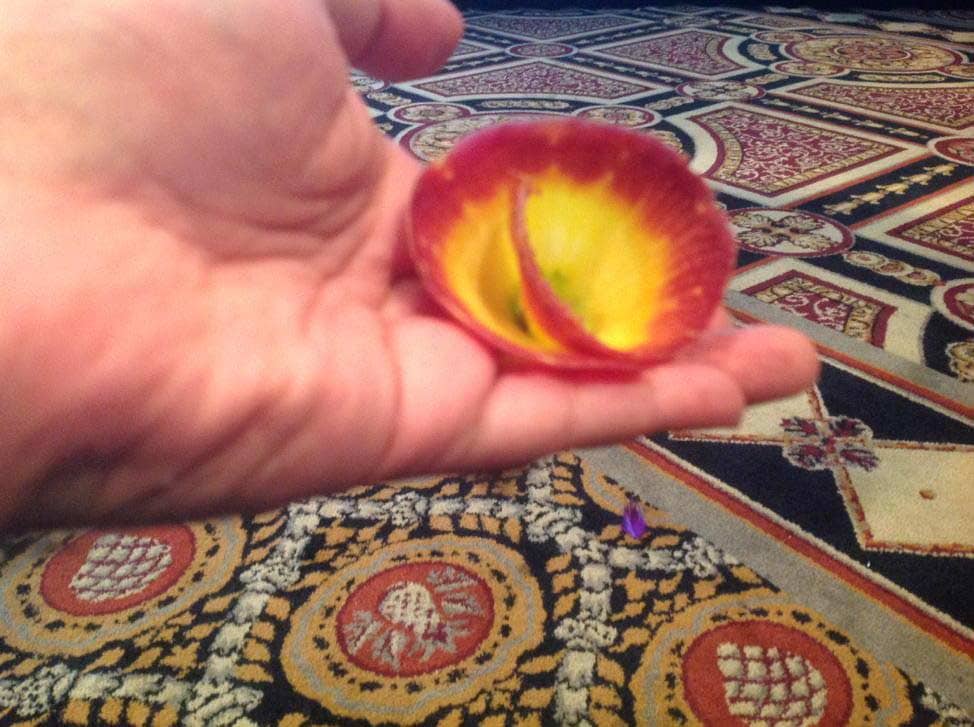
Nigel then showed a gift from his grandson, a carrot sharpener. He then actually used the sharpener to create shavings from the carrot. He gifted me one!

Born in England, Nigel Holmes moved to America in 1978 to work for Time Magazine. He became graphics director and stayed there for 16 years. Despite academic criticism, he remains committed to the power of pictures and humor to help people understand otherwise abstract numbers and difficult scientific concepts, whether in print or in presentations.
The views and opinions expressed in this blog post or content are those of the authors or the interviewees and do not necessarily reflect the official policy or position of any other agency, organization, employer, or company.
Filed Under:
Events
Tagged as: Nigel Holmes, PowerPoint, Presentation Summit, Synopsis
Comments Off on Nigel Holmes at the Presentation Summit 2015
The Ribbon is the long strip comprising tabs with buttons across the top of the main window within the PowerPoint interface. Since PowerPoint 2007, the Ribbon has replaced all the menus and toolbars that were found in PowerPoint 2003 and older versions. The Ribbon contains almost all the commands you need to work with your slides, and is designed in a way that helps you quickly find the commands that you need to complete a task. You no longer have to search commands endlessly through many menus and sub-menus.

Learn about the Ribbon and Tabs in the PowerPoint 2016 interface.
Filed Under:
PowerPoint 2016
Tagged as: Interface, Office 2016, PowerPoint 2016, Tutorials
Comments Off on Ribbon and Tabs in PowerPoint 2016 for Windows
We first present an interview with Taylor Croonquist, who discusses his then-upcoming webinar as part of the Outstanding Presentations series. We also bring you interviews with celebrated speakers who will be part of the Presentation Summit in New Orleans later this month. This week we feature Echo Swinford, Alan Hoffler, and Alexander Hanauer.
We begin a tutorial series for the new PowerPoint 2016 for Windows — we explore the Interface and the Presentation Gallery. We then continue with three tutorials that will help you work better within Microsoft Sway. Finally, don’t miss the new discussions and templates of this week!

Read Indezine’s PowerPoint and Presenting News.
Filed Under:
Ezine
Tagged as: Ezine, Indezine, News, PowerPoint
Comments Off on PowerPoint and Presenting News: September 29, 2015

Jonathan Schwabish is an economist, writer, teacher, and creator of policy-relevant data visualizations. He is considered a leading voice for clarity and accessibility in how researchers communicate their findings. He is currently writing a book with Columbia University Press on presentation design and techniques. Jon tweets on @JSchwabish.
In this conversation, Jon discusses his session at the Presentation Summit 2015 series.
Geetesh: Jon, you are doing a session this year at the Presentation Summit called Give a Nerd a Number: Improve how you visualize your data. Can you tell us more about this session, and what takeaways can the audience expect?
Jon: The data visualization field combines data analysis, graphic design, journalism, and statistics in a way that can help analysts in a variety of fields provide their audience with greater insights into their research and their products.
In my presentation at this year’s Presentation Summit, I am going to lay the groundwork for how presenters can use data visualization to more effectively communicate to their audience. I will demonstrate the different types of visualizations and their uses, as well as how to avoid creating graphics that result in ineffective and inaccurate perceptions of data. The basic guidelines I will lay out will help presenters create clearer, more accurate, and more visually appealing graphics. I’ll also have a few freebies for a lucky few in attendance.

Geetesh: Can you tell us more about yourself – and how do you approach good design for slides, especially when there are many numbers involved?
Jon: My background is in economics—I have a PhD from Syracuse University—and spent the first 10 years or so of my professional career conducting research on Social Security, Disability Insurance, food stamps, and immigration for the U.S. Congress. I became interested in data visualization and more effective presentation techniques a few years ago when I realized that many of our reports and analyses did not seem to have an impact we desired. I think one way in which researchers and analysts can get their work to have more impact is to more effectively visualize their research and think about how the reader or audience will receive the information.
When it comes to presenting research and analysis, I try to follow 4 primary principles:
These themes drive the book on presentation skills and design I am currently writing with Columbia University Press. I’m focusing on researchers and analysts who too often seem to think that the work ends when the research report is written and submitted to the academic journal or published on the website. But I think researchers can really improve their presentation skills by thinking first about the needs of the audience and not about their needs as the speaker. One of the core messages of the book is that a presentation is a fundamentally different form of communication than a written report. Treating them as the same thing—moving text into bullets and copying and pasting tables and figures from the paper to the slides—misses this important distinction.

For many years now, Rick Altman has been hosting the Presentation Summit, a highly popular event that is geared towards users of PowerPoint and other presentation platforms.
Date: September 27 to 30, 2015
Location: Astor Crowne Plaza, New Orleans, USA
The views and opinions expressed in this blog post or content are those of the authors or the interviewees and do not necessarily reflect the official policy or position of any other agency, organization, employer, or company.
Filed Under:
Events
Tagged as: Interviews, Jon Schwabish, Presentation Summit
Comments Off on Presentation Summit 2015: Conversation with Jon Schwabish
Soon after a power user installs a new application, he or she wants to customize their menus and toolbars so that their most often used features are accessible with fewer clicks — or even custom keyboard shortcuts. And even if you are not a power user, you should explore a very useful option that we explain in this tutorial — this will make your tasks easier, and quicker. While PowerPoint’s recent versions on Windows have almost no menus and toolbars, they do have a single toolbar called the Quick Access Toolbar. Almost everyone who uses this toolbar just calls it the QAT, and that’s the name we will use for the rest of this tutorial.

Learn about the Quick Access Toolbar in PowerPoint 2016 for Windows.
Filed Under:
PowerPoint 2016
Tagged as: Interface, Office 2016, PowerPoint 2016, Tutorials
Comments Off on Quick Access Toolbar in PowerPoint 2016 for Windows
Microsoft and the Office logo are trademarks or registered trademarks of Microsoft Corporation in the United States and/or other countries.