
In PowerPoint slides, text can be found in many places: text placeholders, text boxes, tables, charts, the Notes pane, and more places. However, the text within a text placeholder has characteristics that set it a class apart from all other text. So, what exactly is a text placeholder, and how is it different from text within a text box or anywhere else?

Learn about the differences between text placeholders and text boxes in PowerPoint 2007 for Windows.
Related Posts
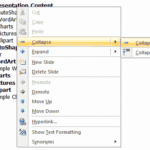 The new interface in Microsoft PowerPoint 2007 has changed quite a bit. However, the Slides/Outline pane looks and works in the same way as it did in ...
 An outline encompasses the text content within your presentation slides. In many ways, this text is the story or the structure of your presentation an...
 Outlines are typically text files that you can create in applications such as Notepad, or even Microsoft Word. Creating an outline and then importing ...
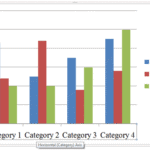 Although charts are a visual medium, they still contain plenty of text in the form of data labels, titles, legend, axis labels, etc. And while PowerPo...