
Although charts are a visual medium, they still contain plenty of text in the form of data labels, titles, legend, axis labels, etc. And while PowerPoint 2007 does make it simpler to access text formatting options than in previous PowerPoint versions, there’s still some learning involved. That sort of learning is exactly what this tutorial aims to provide.

Learn about formatting fonts within charts in PowerPoint 2007 for Windows.
Related Posts
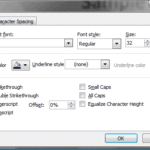 Unlike in previous versions, PowerPoint 2007 includes the exact, same dialog Font box if you are formatting font in a text box, placeholder, or even i...
 PowerPoint 2007, 2010, and 2013 include several built-in Theme Fonts sets. Additionally, you can also create custom Theme Fonts sets from within Power...
 With Theme Fonts, you get several sets of ready made choices in PowerPoint, and you can choose and apply from these pre-decided pairs of font choices,...
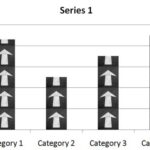 Did you happen to see a chart that spoke of fruit exports, and each column of the chart was filled with pictures of a particular fruit type rather tha...