
The new interface in Microsoft PowerPoint 2007 has changed quite a bit. However, the Slides/Outline pane looks and works in the same way as it did in the earlier versions, at least on the surface. There are small changes though. For starters, there is no equivalent of the Outlining toolbar in PowerPoint 2007—this means most of the outline tasks now have to be accessed through right-click options, and we’ll show you how you can do that.

Explore Outline pane options in PowerPoint 2007 for Windows.
Related Posts
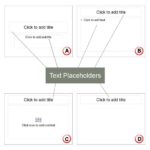 In PowerPoint slides, text can be found in many places: text placeholders, text boxes, tables, charts, the Notes pane, and more places. However, the t...
 Outlines are typically text files that you can create in applications such as Notepad, or even Microsoft Word. Creating an outline and then importing ...
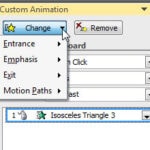 Many times, users just remove an animation and apply another one instead. The need to change an animation may arise for several reasons: You realize t...
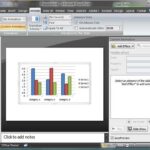 In PowerPoint you can animate any slide object, but some objects have extra animation options. These objects include charts and bulleted text, and in ...