
Sound files of various types such as MP3, WMA, or WAV files can be used in PowerPoint 2010, which automatically embeds them into your presentation. This means that you no longer have to worry about linked files getting misplaced or lost like you had to in previous versions of PowerPoint. Even then, it is a good practice to keep your sound files in the same folder in which you save your PowerPoint 2010 presentation — even before you insert them as we show you.
Learn how to insert sound (audio) clips in PowerPoint 2010 for Windows.
Related Posts
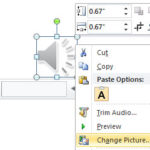 When you insert an audio clip on your slide, PowerPoint represents the clip by a sound icon. You can change the sound icon to any other picture you wa...
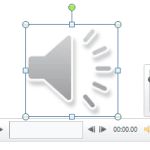 When you insert an audio clip into a PowerPoint slide, you can control its volume, set it to play looped, or even hide the audio icon. These are some ...
 Once you insert an audio clip into your presentation, you may find that it is too long, or there may be parts in the clip that you don't want the audi...
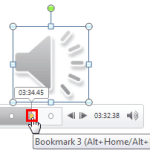 After adding a Bookmark to an audio clip, you may want to edit or remove the Bookmark altogether. In PowerPoint you can't edit a Bookmark -- for examp...