
 (No Ratings Yet)
 Loading...
The Remove Background option is among PowerPoint’s newest and most wonderful abilities. It lets you remove the background from an inserted picture — this can be a great feature if you want to remove a sky, a wall, any backdrop, or something else in a photograph so that the slide background shows through as transparent within the removed parts of the picture. Before you start, we assume you already have a picture inserted on your slide. It helps if the parts of the picture you want to remove are fairly different in color from the rest of the picture, although as you get more proficient with PowerPoint’s Remove Background option, you will be able to work with more complicated compositions.
Related Posts
 PowerPoint's, Slide Layouts are a very useful feature because they let you use a boilerplate arrangement of placeholders repeatedly, resulting in slid...
 You may know how easy it is to flip or rotate a picture on your slide. But do this same flipping when you use a Picture fill within a shape -- and do ...
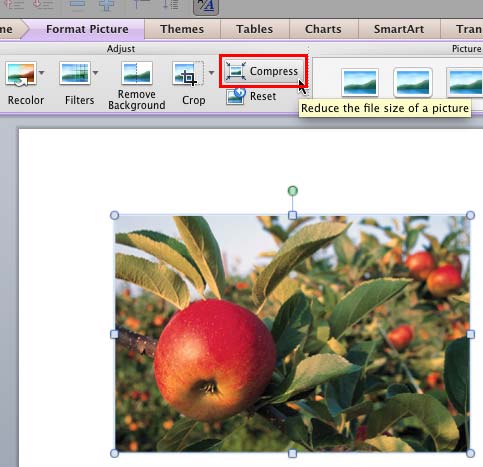 Although using pictures enhances the look of your presentation, it can also phenomenally increase the size of your presentation file. By default, Powe...
 Any manipulations you make to inserted pictures in PowerPoint are strictly only on the surface. The appearance of the picture changes on the slide, bu...