
Several times in my training sessions, I have been asked how one can create a flag in a PowerPoint slide? Of course, you can just use some clip art or, if you are good at Adobe Illustrator or some other similar graphic software, creating a flag is a piece of cake. However, the challenge is to how one can create a flag in PowerPoint – this is a very relevant question since most business users, who need stuff such as flags don’t have access to dedicated graphic programs.

Learn how to use default shapes in PowerPoint to draw a flag.
Related Posts
 You may call them squares or rectangles, or if you are Metro-inspired, you may call them tiles. For the reasons of simplicity, let us just call them b...
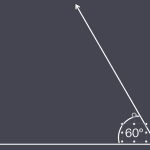 Do you need to draw two lines so that they are angled out at a certain value from each other? Do you need to do so accurately so that these drawings c...
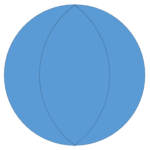 Do you want to create a flower diagram, or just draw a normal flower? You will soon realize that PowerPoint’s Shape Gallery offers no Petal shape or e...
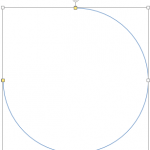 PowerPoint offers so many shapes, from simple rectangles and ovals to playful options like pies and smiley faces. While you can use these shapes as-is...