This post refers to the Office 2013 Preview — this was pre-release software that is no longer available. All techniques mentioned in this post will not work with the final release version of Office 2013.
We already explored how you can install the Consumer Preview version of Office 2013 using the conventional CTR approach where the entire installation is streamed to your computer. This of course requires that you have lots of time, a fast internet connection — and worse, if you want to install the Consumer Preview on multiple machines, you’ll have to repeat the process for each machine!
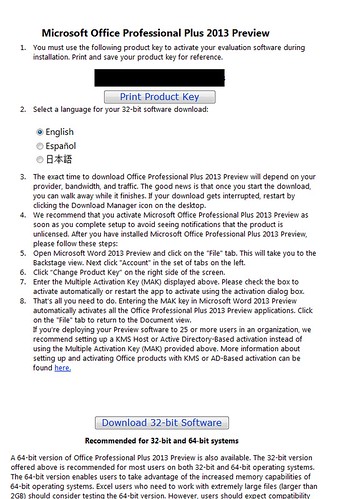
Clearly there has to be an alternative option — and indeed there is. This download that runs the setup locally on your system is available as an MSI file. However, be aware that if you choose this download MSI option, you cannot run Office 2013 along with an older version of Office on the same system.
You get this download version by clicking the link right at the bottom of this page — Microsoft really went out of their way to hide this link!
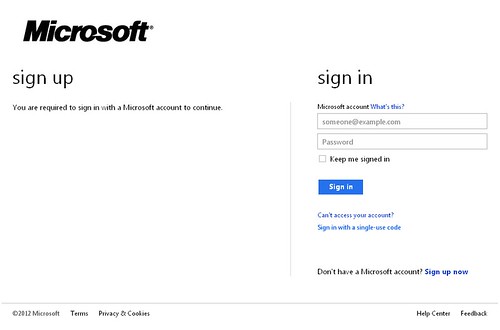
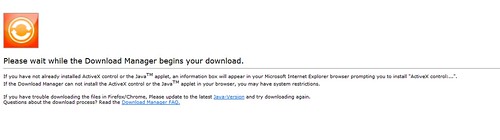
Here’s a step-by-step walk through of the process:
In the next post in this series, we will install the downloaded MSI file.
Microsoft and the Office logo are trademarks or registered trademarks of Microsoft Corporation in the United States and/or other countries.