
In spite of the repeated cries about how bullets can cause “death by PowerPoint”, bulleted paragraphs are still being used in PowerPoint. We won’t go into whether or not you should use bulleted paragraphs in your slides — suffice to say that too much of anything cannot be good! However most PowerPoint slide layouts are already set up with placeholders for bulleted lists (or paragraphs), so that when you start typing into a text placeholder, your text is automatically bulleted. Sometimes making some changes to the appearance of your bullets can make a difference. We show how you can change the bullet styles for your text placeholders (or text boxes) in PowerPoint 2011.

Learn how to change the bullet styles of selected text in PowerPoint 2011 for Mac.
Related Posts
 First of all, why would you need to highlight text? One answer could be that you want to emphasize some important words or phrases within your slide. ...
 While it is easy to change proofing language for selected text containers, that happens to be a great time waster if you need the language changed acr...
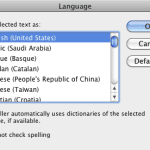 English is spelled and pronounced differently in various parts of the world. For example, color is perfectly valid spelling in the US, but not so in t...
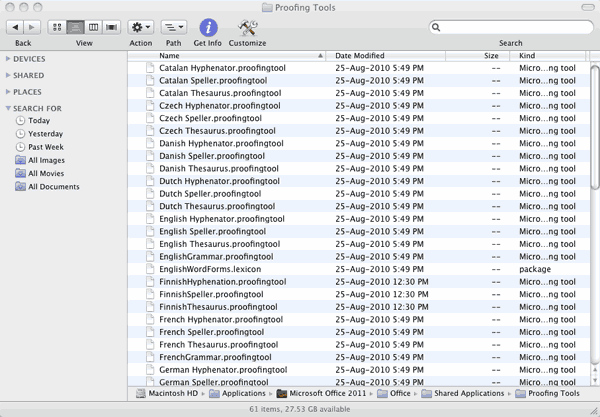 Microsoft Office programs such as PowerPoint include proofing tools (spelling dictionaries, thesauri, and grammar rules) for more than one language. T...