
When you save CRTX chart templates, PowerPoint saves them into a default folder location. As long as you are using these templates only on the computer where they are saved, there is no need to worry about this default location. However, if you need to share these CRTX chart templates with other users — or, if you received a CRTX chart template from someone else, then you need to make sure that these CRTX files are saved in the designated folder where PowerPoint expects them to be placed.

Learn about the default location to save chart templates in PowerPoint 2011 for Mac
Related Posts
 Charts that include elements spaced apart look better. You can increase the Gap width so that there is enough space between the categories. Also, you ...
 The Gap width within a chart is the space between two series points -- this by default is set to 150% of the width of individual Data Series (columns)...
 Patterns in PowerPoint are two-color designs that include lines, dots, dashes and checks. PowerPoint includes 48 such patterns with names such as 5%, ...
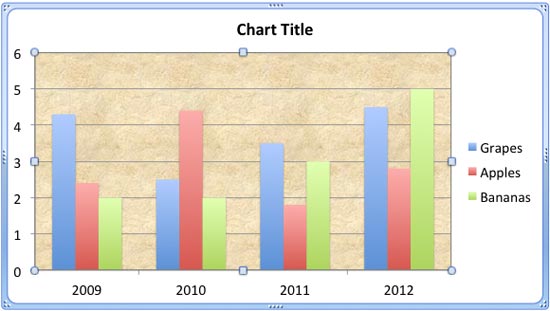 There are various fills that you can apply to the Plot Area of a chart -- and a texture can often work surprisingly well. For those who want to know w...