
Usually, most folks are quite happy with how PowerPoint positions your bullets within a paragraph, or even where the paragraph that follows the bullet character is placed. Yet, you need not just accept the defaults — especially if you like that extra bit of control! You essentially control these nuances with the three Indent Markers on the Horizontal Ruler — these Indent Markers decide how your bulleted and numbered lists are positioned within PowerPoint’s text placeholders.

Related Posts
 First of all, why would you need to highlight text? One answer could be that you want to emphasize some important words or phrases within your slide. ...
 While it is easy to change proofing language for selected text containers, that happens to be a great time waster if you need the language changed acr...
 English is spelled and pronounced differently in various parts of the world. For example, color is perfectly valid spelling in the US, but not so in t...
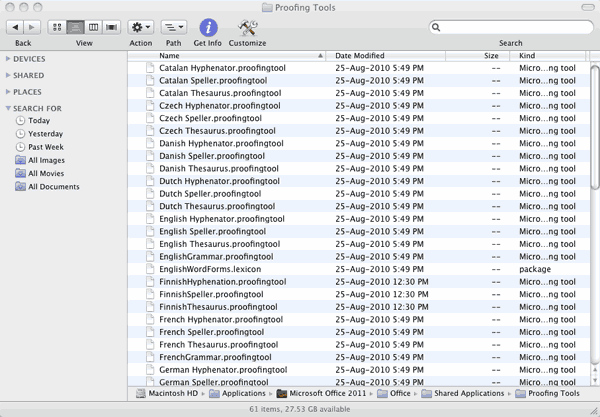 Microsoft Office programs such as PowerPoint include proofing tools (spelling dictionaries, thesauri, and grammar rules) for more than one language. T...