
When you insert a chart in PowerPoint 2011, you might notice that Excel pops up with some dummy data for your chart — you then change the data within the Excel sheet to auto-update the chart within PowerPoint. However, this Excel instance that stores your data has no separate existence — there’s no separate Excel sheet that contains your data. In fact, this Excel sheet is stored within your PowerPoint presentation itself. Now, what do you do when you want to edit the underlying data?

Learn how to edit chart data in PowerPoint 2011 for Mac.
Related Posts
 Charts that include elements spaced apart look better. You can increase the Gap width so that there is enough space between the categories. Also, you ...
 The Gap width within a chart is the space between two series points -- this by default is set to 150% of the width of individual Data Series (columns)...
 Patterns in PowerPoint are two-color designs that include lines, dots, dashes and checks. PowerPoint includes 48 such patterns with names such as 5%, ...
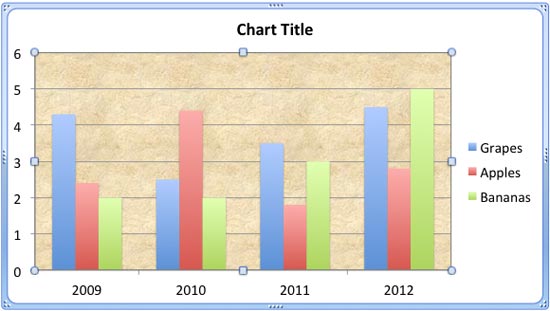 There are various fills that you can apply to the Plot Area of a chart -- and a texture can often work surprisingly well. For those who want to know w...