
Unlike previous versions, PowerPoint 2013 and also Word and Excel versions of Office 2013 are completely touch-aware. Almost all options are accessible on any of the touch-capable devices, including Microsoft’s own Surface tablets. In this tutorial we’ll explore how you can select one or multiple shapes using various touch gestures. Do remember that although we show you selection procedures using shapes as an example, you can select almost any other slide object including pictures, text boxes, etc. in the same way.

Learn how to select shapes while using PowerPoint 2013 on a touch device.
Related Posts
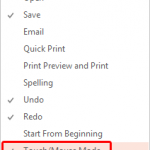 Look closely at the interface within PowerPoint 2013, particularly the Customize Quick Access Toolbar drop-down menu, and you'll find the Touch/Mouse ...
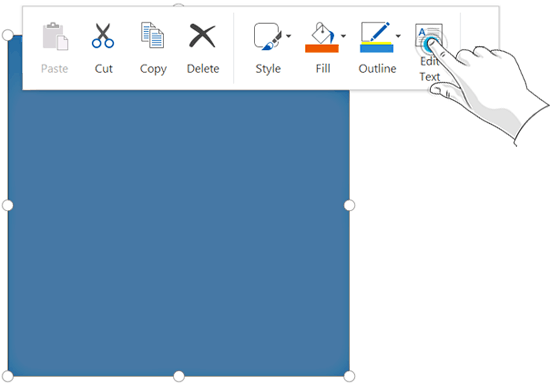 Text can make so much difference to your shapes -- add some text to a rectangle and it becomes an info-graphic! There can be any number of other reaso...
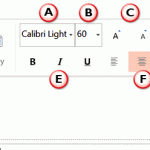 On a touch device such as Micosoft's Surface tablets, you may not have access to a regular keyboard and mouse. Everything happens with a tap or a slid...
 While creating PowerPoint slides, you will invariably add pictures -- and of course you can also add pictures in Word documents or Excel sheets. If yo...