
By its very nature, PowerPoint is an application that takes content of different types and arranges them all together coherently within a slide. Such content often includes text, pictures, charts, multimedia, and other types. Additionally, since many people use PowerPoint for training programs — you will find many slides that contain screenshots of computer program interfaces. Typically, you capture these screenshots in another program and then insert that screenshot like a regular picture within PowerPoint 2013. This task is made even more easy as now you can quickly and easily add a screenshot from within PowerPoint without even leaving the program you are working in.

Explore the Screenshot option within PowerPoint 2013 for Windows.
Related Posts
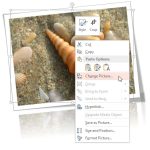 Imagine you have inserted a picture in PowerPoint 2013 for Windows, and then you applied various picture editing options to enhance its appearance. Fo...
 A picture needs to be corrected when it's appearance is too dark or too bright. You can end up with pictures that need correction if the lighting was ...
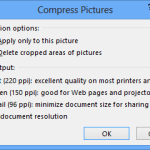 After a picture is inserted on your PowerPoint slide, you might want to make adjustments to the picture itself so that it looks distinctive and focuse...
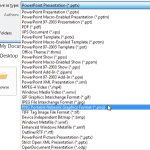 PowerPoint allows you to save your slides to many graphic file formats, which can later be used in other applications as required. One of the most pop...