
When you insert Slide Numbers on your slides, you may discover that the location of the Slide Number changes depending upon the active Theme of your slides. With some Themes, the Slide Number may be placed at the bottom right — with other Themes, it may be located at the top right, or even in some other place. The location of the Slide Number may seem to be influenced by the Theme — and that’s almost true. However, a Theme is a larger concept — it’s only the Slide Master, a subset of your Theme that’s influencing the position of your Slide Numbers.
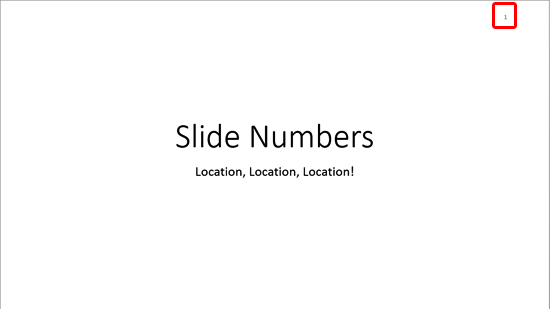
Learn how to change the location of Slide Numbers in PowerPoint 2013 for Windows.
Related Posts
 Adding a new Slide Master to your presentation is easy -- and an even easier way is to possibly duplicate an existing Slide Master. You can then forma...
 Duplicating a Slide Master is a little different than adding a new Slide Master from scratch. And it's a smart option because you don't have to make t...
 In your presentation, a Slide Master is the element that influences everything -- be it the slide background or the fonts used for text. Despite havin...
 You may have observed an omnipresent company logo in many slides -- and that raises a question: do you really need to have a company logo on all your ...