
We learned about the RGB Color model in a previous tutorial. And while computers can easily understand the fact that you mix red and green to end up with yellow, that’s some strange logic to us humans which we shall never comprehend! For most of us, we understand that mixing yellow and blue makes green. So how can we stay within the RGB color model, which computers understand, and mix colors more creatively to use a method which we humans can understand? This need for a more creative model gave birth to the HSL (Hue, Saturation, and Luminosity) color model.

Learn about Hue, Saturation and Luminosity, and how you can use these properties to mix colors.
Related Posts
 Color is a fascinating subject; a subject that evokes enough creativity and pickles the minds of many. If we were to pause looking at color as a creat...
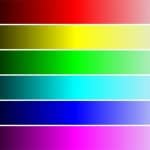 We explored the HSL color model broadly previously. Now, we will look at Luminosity, one of its three properties. So what is Luminosity? Luminosity is...
 Quick - what's a better slide color: gray or red? Almost everyone will say gray is far better as a slide color than red. Most of the time we agree, bu...
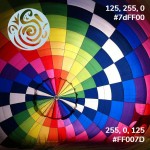 While we learned the basics about RGB colors, that constitute portions of Red, Blue, and Green—what we need to know is that there is so much more to l...