
Enabling Guides for your presentation slides helps ensure that your objects are easily aligned, and also in the same relative position in successive slides. But just enabling Guides is more like getting started. There’s so much more you can do, such as customizing the Guides themselves using hierarchical options.

Learn about the hierarchical Guide options in PowerPoint 2016 for Windows.
Related Posts
 Among the many features in PowerPoint 2016, there are some that are more useful than the others. Options for using Guides are certainly vital. Many us...
 Once you have made Guides visible on your PowerPoint slides, they show up in the same position on all other slides within the presentation. You'll fin...
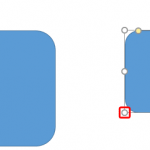 Do you notice that any object you move, resize, or align in PowerPoint 2016 actually helps make your task easy! Move it a little closer, resize a wee ...
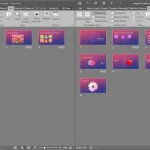 While PowerPoint does have an option to automatically compare presentations, sometimes doing this comparison manually can be actually more effective, ...