
 (No Ratings Yet)
 Loading...
A picture needs to be “corrected” when its appearance is too dark or too bright. You could end up with pictures that need correction if the lighting was not proper when you clicked the original picture. Additionally, you may also want to make some tonal changes to a picture so that it stands apart. In this tutorial, you will learn how to make corrections to inserted pictures regarding their brightness, sharpness, softness, and contrast values; all from within PowerPoint 2016 without having to use an external program.

Learn about the Correction option for pictures in PowerPoint 2016 for Windows.
Related Posts
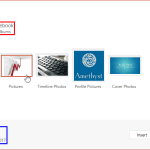 PowerPoint enables you to insert online pictures in more than one way, and explored these various options in our Insert Online Pictures in PowerPoint ...
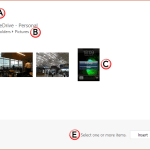 Our next option within the Insert Online Pictures in PowerPoint 2016 series of tutorials is exploring how you can insert pictures from your OneDrive a...
 There are many, many options as far as inserting pictures from online sources within PowerPoint are concerned. Other than using the Bing Image Search ...
 Although you can search for pictures on Google Images or Bing, these pictures show in web browsers, and even then you cannot use most pictures in your...