
A Glow effect adds a hazed color perimeter outside the shape area, and by default, the Glow colors emanate from the active Theme. These default Glow colors work most of the time, but of course, you can change the Glow color to something entirely different. In this tutorial, you’ll learn how you can change this Glow color to any color you want.
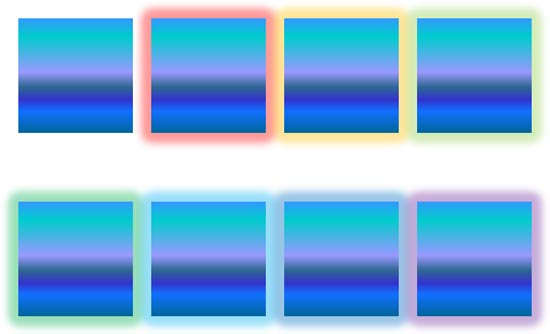
Learn how to change the color of glow effects for shapes in PowerPoint 2016 for Windows.
Related Posts
 Applying a Glow effect adds a nice halo around a selected shape or most other slide objects. You may find that the Glow effect defaults just do not wo...
 As part of our series on PowerPoint effects for shapes, we will explore the Glow effect. This effect adds a hazed color perimeter outside the shape ar...
 Although it's not too common to have bright and vivid picture backgrounds for your slides, it is not unheard of. You will often see slides that are sa...
 Assuming someone has provided you with an HSL (Hue, Saturation, and Luminosity) value of a color, and asked you to add a rectangle of that color to a ...