
As part of our series on PowerPoint effects for shapes, we will explore the Glow effect. This effect adds a hazed color perimeter outside the shape area. This effect is an Outer Glow surrounding the shape, and not an Inner Glow effect. You can choose from various glow colors such as Theme colors or even any other color of your choice to match the look of the slide content.
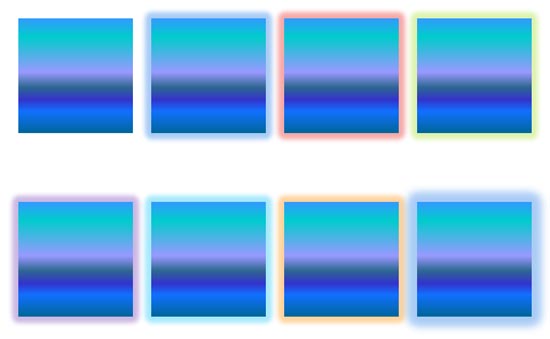
Learn how to apply glow effects to shapes in PowerPoint 2016 for Windows.
Related Posts
 Applying a Glow effect adds a nice halo around a selected shape or most other slide objects. You may find that the Glow effect defaults just do not wo...
 PowerPoint's fill, line, and effect attributes enable you to customize the look of shapes and other slide objects in your presentation. However, it ma...
 Depth, as a parameter for 3-D objects, plays a very important role. In simple terms, Depth is the distance from the highest to the lowest, and typical...
 PowerPoint's 3-D options allow you to rotate shapes or add beveled edges. And these 3-D options are surprisingly powerful. In fact, some of these opti...