
After inserting a SmartArt graphic within PowerPoint or converting some bulleted text to SmartArt, you might want to change the layout of the SmartArt. You can choose from various SmartArt graphics variations available within PowerPoint 2016. In this tutorial, we’ll show you how to change any existing SmartArt graphic to any other layout. Follow these steps to explore more.

Learn how to change from one SmartArt graphic layout to another in PowerPoint 2016 for Windows.
Related Posts
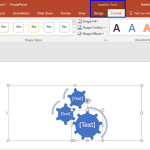 After inserting a SmartArt graphic in your slide, you can change the color for the entire SmartArt graphic. Doing so applies new colors to the entire ...
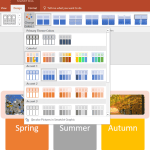 Although default colors within a SmartArt graphic may work great, you may want to explore changing colors of individual shapes contained inside the Sm...
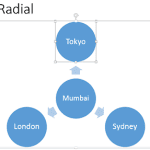 After inserting a SmartArt graphic within PowerPoint (or converting some bulleted text to SmartArt), you can easily add more shapes to your SmartArt g...
 One of PowerPoint’s amazing options is the feature that lets you convert your existing bulleted text to a SmartArt graphic. Many times, though, you mi...