
 (No Ratings Yet)
 Loading...
While creating PowerPoint slides, you will invariably add pictures — and of course you can also add pictures in Word documents or Excel sheets. If you are using any of these programs on a touch device such as Microsoft Surface, this process works just like how you would insert pictures on a desktop version of PowerPoint 2013. The differences between working within a desktop and a touch environment become a little more pronounced when you want to do something simple with your pictures — like cropping them. Yes, cropping can make your picture more pertinent by removing areas that may be not required. In this tutorial, we’ll show you how you can crop a picture within PowerPoint 2013 on a touch device such as Surface — the process works in the same way on Word and Excel versions of Office 2013.

Learn how to crop pictures within PowerPoint 2013 on a touch device.
Related Posts
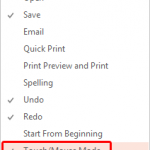 Look closely at the interface within PowerPoint 2013, particularly the Customize Quick Access Toolbar drop-down menu, and you'll find the Touch/Mouse ...
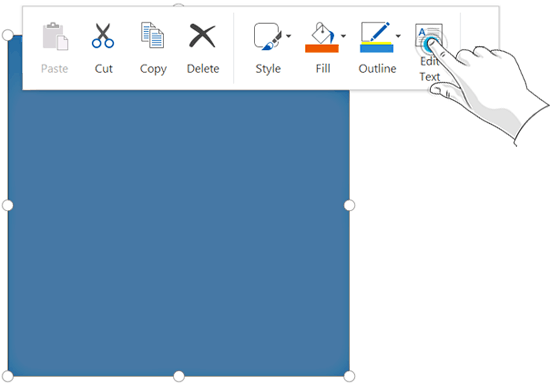 Text can make so much difference to your shapes -- add some text to a rectangle and it becomes an info-graphic! There can be any number of other reaso...
 On a touch device such as Micosoft's Surface tablets, you may not have access to a regular keyboard and mouse. Everything happens with a tap or a slid...
 Tap on a selected picture on a Touch device and you will see a floatie spawning right there -- in this case you see the Picture floatie that provides ...