
Working with pictures in PowerPoint 2013 can be so much fun and fulfilling at the same time. One of the coolest options is to recolor the hue of your entire picture so that it looks almost like a duotone picture. You have already learned how to apply corrections to your inserted pictures, and this Color option can help you do more with your pictures. Be aware though that this Color option does not work like a coloring book; rather it changes the overall hue color of the entire picture, saturates color values, change the overall color tone, and do more.

Learn how to change the color hue of pictures in PowerPoint 2013 for Windows.
Related Posts
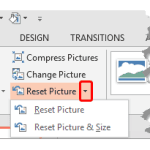 Once a picture is inserted within PowerPoint, any manipulations you make to that picture are strictly only on the surface. The appearance of the pictu...
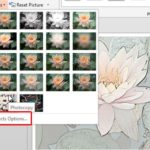 PowerPoint is a slide program but that doesn't mean that it does not have some cool picture editing tricks up its sleeve. When we say "cool", we certa...
 By its very nature, PowerPoint is an application that takes content of different types and arranges them all together coherently within a slide. Such ...
 PowerPoint 2013 for Windows enables you to insert online pictures in more than one way, and explored these various options in our Insert Online Pictur...