
 (No Ratings Yet)
 Loading...
Does your chart has any data with negative values? PowerPoint by default uses the same fill color for negative values as is used for positive values. Of course, you can override this nature of PowerPoint using the Invert if Negative option, that we last explored at the end of our Changing Fills and Outlines of Charts tutorial. In this tutorial, let us explore this option further.

Learn how you can highlight negative values in a chart within PowerPoint 2011 for Mac.
Related Posts
 Charts that include elements spaced apart look better. You can increase the Gap width so that there is enough space between the categories. Also, you ...
 The Gap width within a chart is the space between two series points -- this by default is set to 150% of the width of individual Data Series (columns)...
 Patterns in PowerPoint are two-color designs that include lines, dots, dashes and checks. PowerPoint includes 48 such patterns with names such as 5%, ...
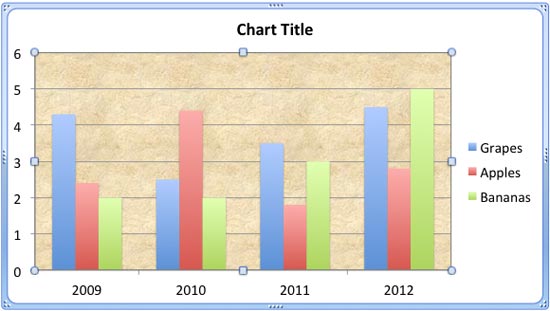 There are various fills that you can apply to the Plot Area of a chart -- and a texture can often work surprisingly well. For those who want to know w...