
PowerPoint 365 for Windows’s tri-paned interface has three regions: the Slides Pane, the Slide Area, and the Notes Pane. The Notes Pane is placed right below the Slide Area. The Notes Pane provides space to add speaker’s notes that can be so helpful to the presenter while presenting. You can also add any text here that contains any sort of information about the presentation or individual slide.
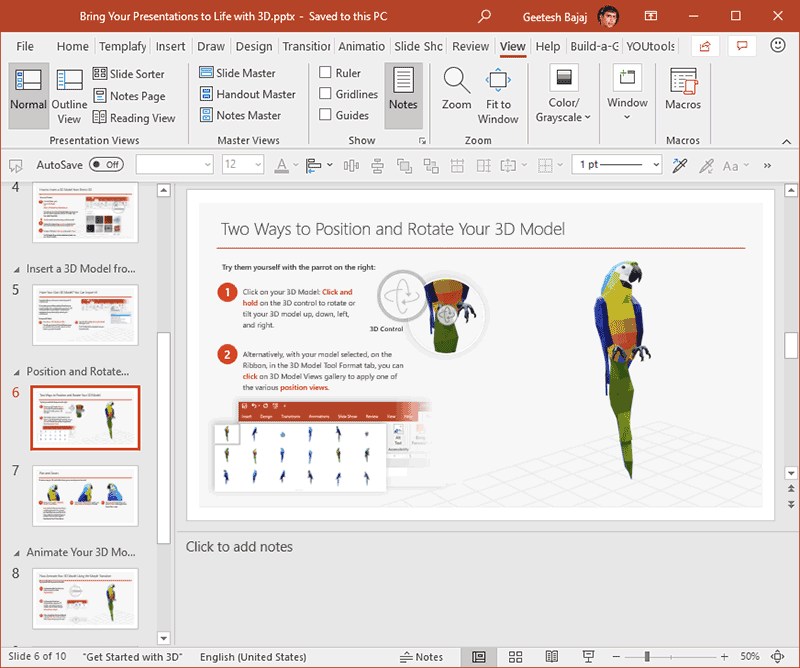
Learn about the Notes pane in PowerPoint 365 for Windows.
Related Posts
 PowerPoint 365 for Mac's tri-paned interface has three regions: the Slides Pane, the Slide Area, and the Notes Pane. The Notes Pane is placed right be...
 Have you watched an expert tailor at work? They start by marking the pattern on the fabric. They don't just slap down one chalk mark on the fabric and...
 Smart Dynamic Guides in PowerPoint help you align, resize, and distribute objects with precision by showing real-time visual cues. They appear automat...
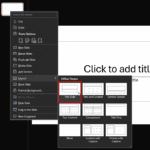 Changing a slide layout in PowerPoint takes just a few clicks. This tutorial shows you exactly how. Imagine you’re building a house. Would you start b...