
 (No Ratings Yet)
 Loading...
Like earlier versions, PowerPoint 2011 continues to provide an amazing array of options to format your slide backgrounds. We have already explored how you can format the slide background, including options to use solid color fills for slide backgrounds. This tutorial builds upon what you have already learned, and shows how you can cover your slide’s background with a gradient fill. Gradient fills are typically blended fills between two or more colors that graduate from one color to another — they are sometimes also called fountain fills or blended fills in other programs.
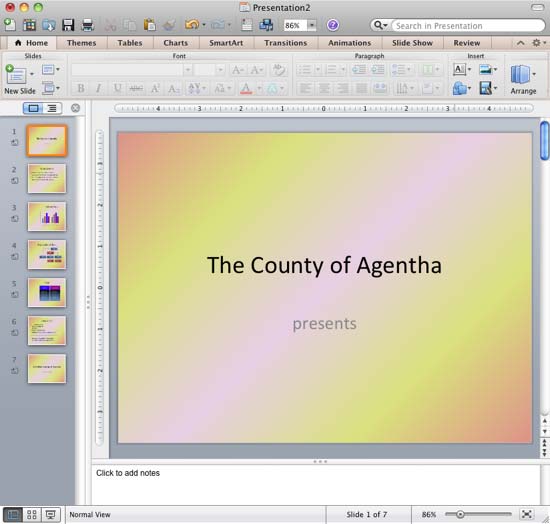
Learn how to use gradient fills for slide backgrounds in PowerPoint 2011 for Mac.
Related Posts
 The Remove Background option is among PowerPoint's newest and most wonderful abilities. It lets you remove the background from an inserted picture -- ...
 We already showed you how to remove the background from an inserted picture in PowerPoint 2011 for Mac -- this process works great for simple pictures...
 It's true that picture backgrounds add value to your presentations. Yet, one of the worst things that you can do to your PowerPoint presentation is to...
 Pattern fills are the last of the various fill options for slide backgrounds we have explored to use in PowerPoint 2011 for Mac. Patterns in PowerPoin...