
 (No Ratings Yet)
 Loading...
Imagine this scenario: you chose what you thought was a perfect picture. So you insert the picture, and then enhance it using the cool picture editing options available in PowerPoint 2011 for Mac. You may have gone further — for example, you could have applied some of the Adjust Picture options, added a border, applied some Picture Effects, etc. You went ahead and added a perfect combination of both the Fade and Zoom animations, and also timed it to happen at the speed you want. And then you discover a better picture, or your boss asked you to change to another picture. You also need to retain all the effects and animations! You could delete the original picture and start all over again, and yes, that is a long process! Or you can change any existing picture into another with just a couple of clicks.

Learn how to change one picture into another in PowerPoint 2011 for Mac.
Related Posts
 PowerPoint's, Slide Layouts are a very useful feature because they let you use a boilerplate arrangement of placeholders repeatedly, resulting in slid...
 You may know how easy it is to flip or rotate a picture on your slide. But do this same flipping when you use a Picture fill within a shape -- and do ...
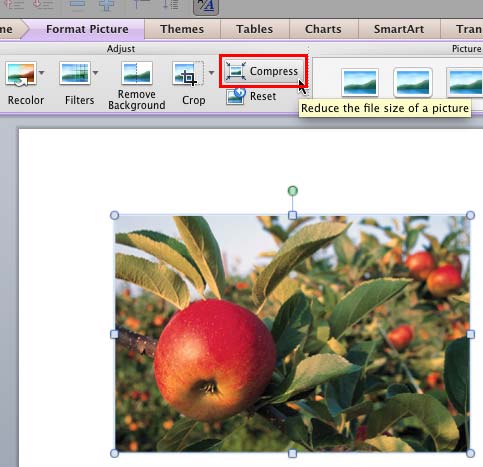 Although using pictures enhances the look of your presentation, it can also phenomenally increase the size of your presentation file. By default, Powe...
 Any manipulations you make to inserted pictures in PowerPoint are strictly only on the surface. The appearance of the picture changes on the slide, bu...