
PowerPoint’s adjust picture options enable you to customize inserted pictures in your slides in many ways. Additionally, PowerPoint also provides you with a collection of preset Picture Styles, which can be directly applied to any selected picture. Picture Styles are somewhat similar to the Shape Styles since they take just a single click to provide the selected picture with a great look –but, that’s where the similarity ends. Because the Picture Styles are not Theme specific. They just make the picture stylish by applying a border, changing the frame shape, or, by adding some 3-D effects.

Learn how to apply preset Picture Styles to your pictures in PowerPoint 2011 for Mac.
Related Posts
 PowerPoint's, Slide Layouts are a very useful feature because they let you use a boilerplate arrangement of placeholders repeatedly, resulting in slid...
 You may know how easy it is to flip or rotate a picture on your slide. But do this same flipping when you use a Picture fill within a shape -- and do ...
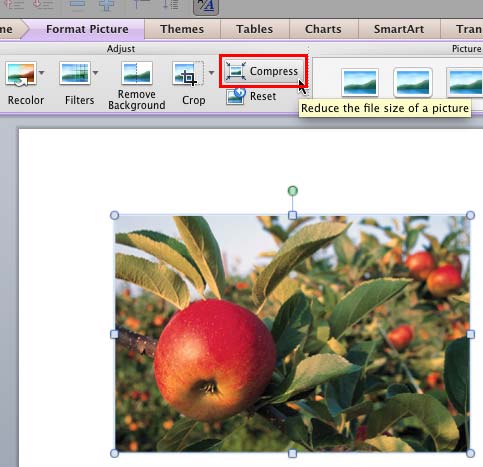 Although using pictures enhances the look of your presentation, it can also phenomenally increase the size of your presentation file. By default, Powe...
 Any manipulations you make to inserted pictures in PowerPoint are strictly only on the surface. The appearance of the picture changes on the slide, bu...