
 (No Ratings Yet)
 Loading...
In PowerPoint, shapes and pictures are important parts of a slide — both of them are mainly used to add visual elements to your presentations. However, there are some problem areas when you use a picture as a fill for a shape. Primarily, you’ll find that PowerPoint insists on filling the entire picture to a shape — in the process, the picture itself may appear distorted. Figure 1 depicts an example — on the left is the actual picture we used to fill the shape on the right — note that the man’s face is squeezed and squashed when used as a picture fill. This completely destroys the look we wanted to attain. Fortunately, regaining the proportion is an easy option, as you will learn in this tutorial.

Related Posts
 PowerPoint's, Slide Layouts are a very useful feature because they let you use a boilerplate arrangement of placeholders repeatedly, resulting in slid...
 You may know how easy it is to flip or rotate a picture on your slide. But do this same flipping when you use a Picture fill within a shape -- and do ...
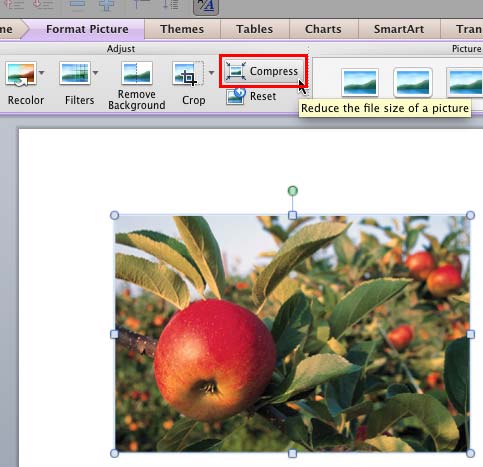 Although using pictures enhances the look of your presentation, it can also phenomenally increase the size of your presentation file. By default, Powe...
 Any manipulations you make to inserted pictures in PowerPoint are strictly only on the surface. The appearance of the picture changes on the slide, bu...