
If you want to add some visual content to your presentation slide, adding pictures is a great way to get started. There are two ways to insert a picture on your slide in PowerPoint. You use a layout that includes a content placeholder, or you insert a picture within a slide irrespective of its layout. Whichever option you choose depends upon your choice — we cover both of them in the following steps.
Learn how to insert a picture on a slide in PowerPoint 2011 for Mac.
Related Posts
 PowerPoint's, Slide Layouts are a very useful feature because they let you use a boilerplate arrangement of placeholders repeatedly, resulting in slid...
 You may know how easy it is to flip or rotate a picture on your slide. But do this same flipping when you use a Picture fill within a shape -- and do ...
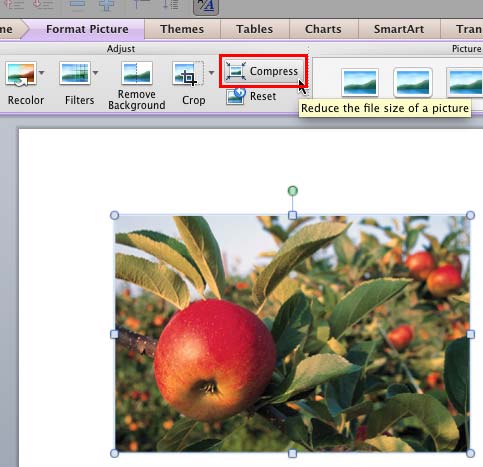 Although using pictures enhances the look of your presentation, it can also phenomenally increase the size of your presentation file. By default, Powe...
 Any manipulations you make to inserted pictures in PowerPoint are strictly only on the surface. The appearance of the picture changes on the slide, bu...