
This is the print version of this page. All content is copyright Indezine.com 2000-2026.
Thoughts and impressions of happenings in the world of PowerPoint and presentations, continuously updated since 2003.
See Also:
PowerPoint and Presenting Notes
PowerPoint and Presenting Glossary
With the launch of PowerPoint 2002 (and 2003), animation metamorphosed from a simple single-click attribute to something much more enriched, and complicated. Designers spent hours mastering the new motion paths and fine-tuning the timings on multiple animations. After the jaws finished dropping and the wows were over, designers were expected to create a similar animation effect for another presentation element! You get the pattern: hours upon hours were being spent on recreating the same effects. It was often felt that it would be great if PowerPoint had a library feature where all such animation procedures could be stored and then imparted to objects with a single click. Our product for review, Animation Carbon fills that void.

Read the Indezine review of Animation Carbon.
Filed Under:
Add-ins
Tagged as: Add-in, Animation, Animation Carbon, PowerPoint, Shyam Pillai
Comments Off on Animation Carbon – Review
Motion Path End Position is a free add-in from Shyam Pillai that creates a duplicate shape at the position where your selected motion path animation ends. Using this tool, you can quickly determine the end position of the animation at design time.

Filed Under:
Add-ins
Tagged as: Add-in, Animation, Motion Path, Shyam Pillai
Comments Off on Motion Path End Position
After I clean my glasses, I am always amazed by how much more clearly I can see. The same is true of the computer screen. In everyday use, it accumulates dust, dirt, and fingerprints. An occasional cleaning is definitely in order. The correct way to clean your monitor depends on the type of monitor you have. Here are a few tips for the two most common types of computer screens.

Learn more on the Compu-KISS site
Filed Under:
Miscellaneous
Tagged as: Display, Maintenance
Comments Off on Clean the Screen
Microsoft Expression is available as a free download now, for both the Mac and Windows. For those who don’t know, Expression, a product acquired from Creature House is in the same class as CorelDRAW, Adobe Illustrator, and Macromedia Freehand. It’s also Microsoft’s first product that exports to Flash SWF. At over 50 MB, it is a big download.
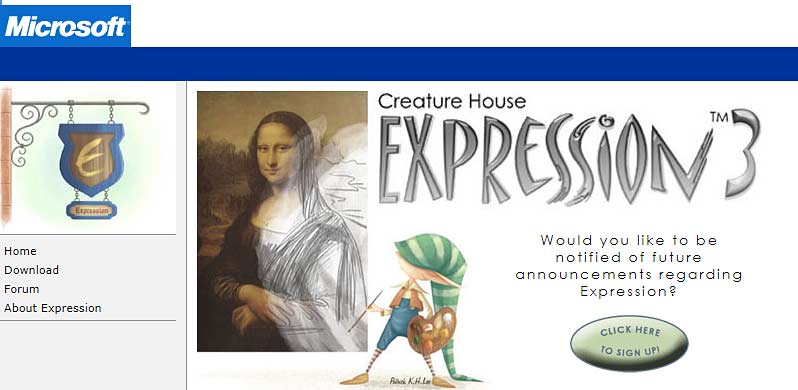
More info can be found on the Microsoft website.
Filed Under:
Miscellaneous
Tagged as: Microsoft
Comments Off on Microsoft Expression
Glen Millar shows you how you can create a wraparound style shape in PowerPoint using PowerPoint’s guides and shape editing tools.

Here’s the tutorial link on his site.
Filed Under:
PowerPoint All Versions
Tagged as: Glen Millar, PowerPoint, Shapes
Comments Off on Wrapping Images in PowerPoint
Microsoft and the Office logo are trademarks or registered trademarks of Microsoft Corporation in the United States and/or other countries.