
This is the print version of this page. All content is copyright Indezine.com 2000-2026.
Thoughts and impressions of happenings in the world of PowerPoint and presentations, continuously updated since 2003.
See Also:
PowerPoint and Presenting Notes
PowerPoint and Presenting Glossary
Add-ins are mini-programs that add new capabilities to PowerPoint. Some of these add-ins blend so seamlessly within PowerPoint; they almost appear to be PowerPoint-native options! At other times, you may have installed a new add-in but see no indication of any new, expected abilities within the program interface. Fortunately, PowerPoint provides a listing of all installed add-ins.

Learn how to view add-ins installed in PowerPoint 2013 for Windows.
Filed Under:
PowerPoint 2013
Tagged as: Add-in, Microsoft Windows, Office 2013, Options, PowerPoint 2013, Tutorials
Comments Off on View Add-ins in PowerPoint 2013 for Windows
By Christopher Hirsch
Storytelling is a powerful business tool. It can help us explain our business and make it resonate with our audience.

Image: Toastmasters Professional Images
And a great story is all about the structure. Fairy tales do this perfectly:
Filed Under:
Guest Posts
Tagged as: Christopher Hirsch, Guest Post, Storytelling, Toastmasters
Comments Off on How to Use Fairy Stories to Boost Your Business
Have you ever wondered why the sites that are shown within the Research Task Pane in Microsoft Office programs such as Word, PowerPoint, etc. differ from computer to computer? Some computers may show extra thesauri or more options. Why does that happen? And can you control which sites show up within your Research Task Pane? Yes, you can control to a certain extent via Research options.

Explore Research options in PowerPoint 2010 for Windows.
Filed Under:
PowerPoint 2010
Tagged as: Microsoft Windows, Office 2010, PowerPoint 2010, Reference, Research, Tutorials
Comments Off on Research Options in PowerPoint 2010 for Windows
Baskerville is a font face that’s made it to the contemporary times even though it dates back more than two and half centuries. Part of the reason for its continued success is that the characters in Baskerville contrast so well between thick and thin strokes. This contrast makes Baskerville an eminently readable typeface.
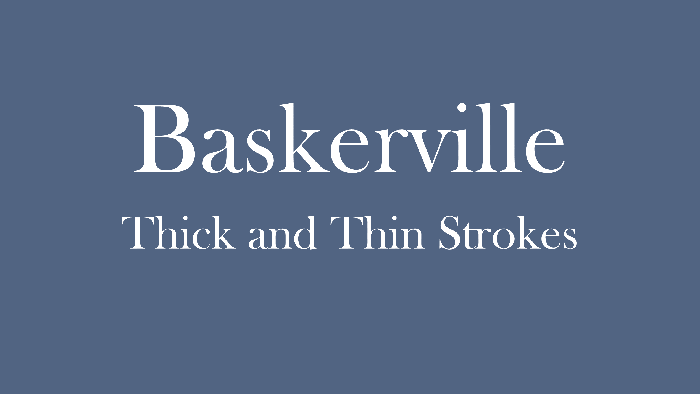
Learn about Baskerville, an old font type that’s still widely used.
Filed Under:
Fonts
Tagged as: Fonts, PowerPoint
Comments Off on Explore Fonts: Baskerville Old Face
PowerPoint add-ins are awesome, small mini-programs that patch inside PowerPoint to extend abilities. While most add-ins automatically show up inside PowerPoint, some of them need to be loaded manually. And there may be times when you want to disable an add-in rather than completely uninstalling it. It’s possible to view, load and manage add-ins manually within PowerPoint, as we will show you in this tutorial.

Learn to manage and load add-ins in PowerPoint 2016 for Windows.
Filed Under:
PowerPoint 2016
Tagged as: Add-in, Microsoft Windows, Office 2016, Options, PowerPoint 2016, Tutorials
Comments Off on Manage and Load Add-ins in PowerPoint 2016 for Windows
Microsoft and the Office logo are trademarks or registered trademarks of Microsoft Corporation in the United States and/or other countries.