
This is the print version of this page. All content is copyright Indezine.com 2000-2026.
Thoughts and impressions of happenings in the world of PowerPoint and presentations, continuously updated since 2003.
See Also:
PowerPoint and Presenting Notes
PowerPoint and Presenting Glossary
Let’s imagine that you want to show a clock on your slides — or, do you want to show a countdown or even counters of seconds, minutes, hours, or even days? Or if your countdown gets to zero, you may want something to happen after that, such as moving to another slide? Of course, this is possible to achieve in PowerPoint. All you need is a thorough knowledge of programming, and even better — a programmer sitting next to you all the time so that you don’t have to worry about setting it all up! We found a better solution, and it does not need a full time programmer — it only needs a one-time investment of a few dollars. And it’s an add-in called Dynamic TIME that plugs right within PowerPoint.

Filed Under:
Reviews
Tagged as: Add-in, PowerPoint, PresentationPoint
Comments Off on Dynamic TIME: The Indezine Review

Patti Sanchez is from Duarte, and works as Senior Vice President of Strategic Services.
Her keynote on Wednesday morning at the Presentation Summit was on the topic of Memos, Memes, and Movements.
She began by saying that the biggest changes have nothing to do with technology, but with people. Our attention is shrinking. And retaining attention is becoming a challenge since media and smartphones give us information in smaller and smaller bites.

She then provided TED Talks as an example and said that one of the reasons for this change is probably TED, where within a few minutes, presenters express so much. Imagine that in 20 minutes, Sir Ken Robinson looked at the whole concept of education. And in three and a half minutes, Richard St. John gave us the 8 secrets of success in life.
No wonder Patti has found that requests are increasing for creating keynotes that are shorter! An hour-long keynote sometimes becomes as small as 15 minutes! She then humorously opined about the pay for these smaller keynotes not being as small!
Hans Rosling gave the shortest TED talk ever in just 51 seconds.
On channels like Vine, Patti has found even smaller presentations that are like, 6 seconds long! One Vine from Virgin America shows how someone can fold boarding passes! Another Vine is about Oreo Popcorn (link no longer exists)! There’s also a 6 second Vine on making Cuba Libre.
All these media trends are changing the ways people want to consume information — calling them “atomic” presentations — they are getting smaller and smaller.
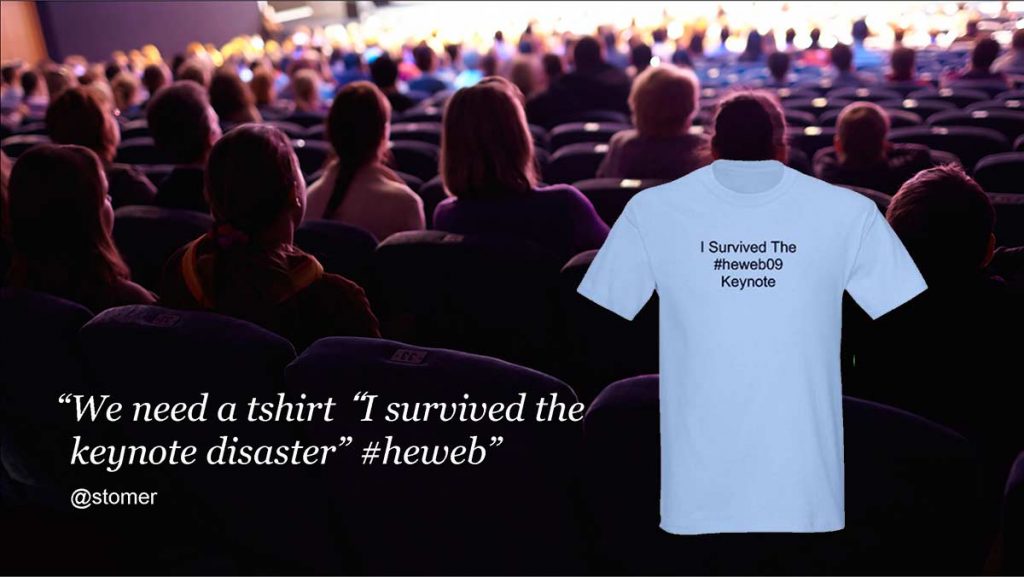
Patti then explained the forces behind these changes. She said that these changes are happening because “audiences are rebelling.” And they rebel in different ways. For example, when some speaker is rambling, Twitter streams explode with tweets such as “I survived the #theweb09 keynote”! Someone even made a T-Shirt using this tweet!
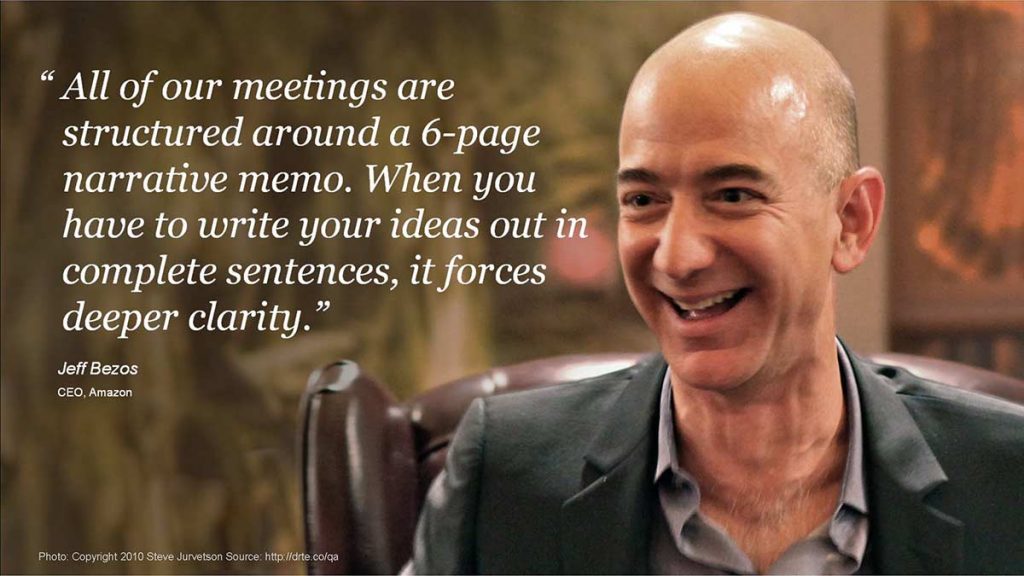
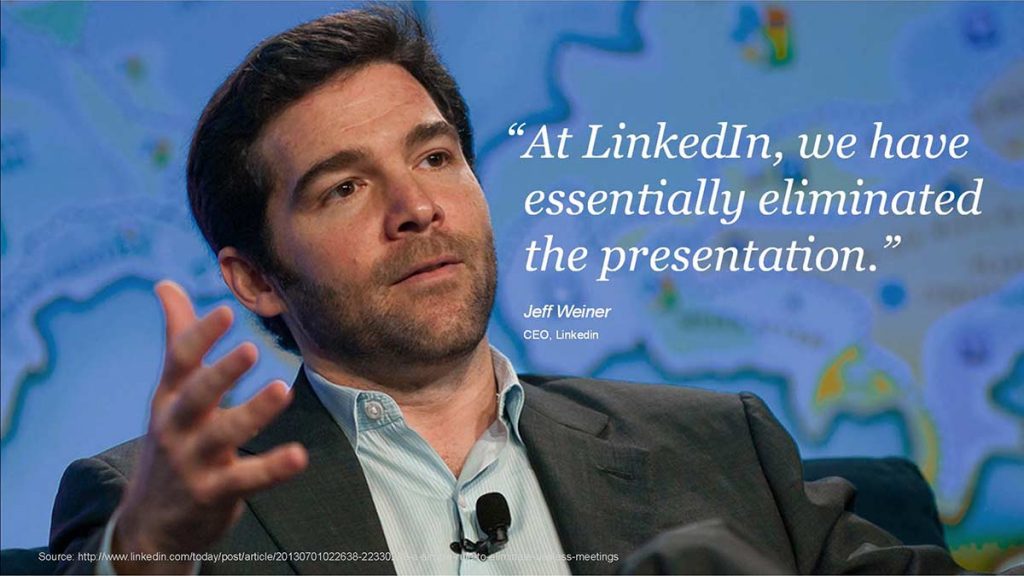
Patti then provided quotes from Sir Richard Branson (Founder and Chairman, Virgin Group), Jeff Bezos (CEO, Amazon), and Jeff Weiner (CEO of LinkedIn) that illustrate negative attitudes about presentations. Patti went on to say that we’ve all heard the jokes about “death by PowerPoint” but the fact is people still use it, in more ways than ever.

Patti said, Hubspot created their graphics in PowerPoint using just basic shapes. Non-designers love to create graphics. In addition, many people are using PowerPoint to create memes.
Patti also shared many more thoughts, and these are all listed here in no particular order:
Patti then spoke about her experiences with presentations at Duarte, where she has seen their slides used by clients as a strategic communication platform:
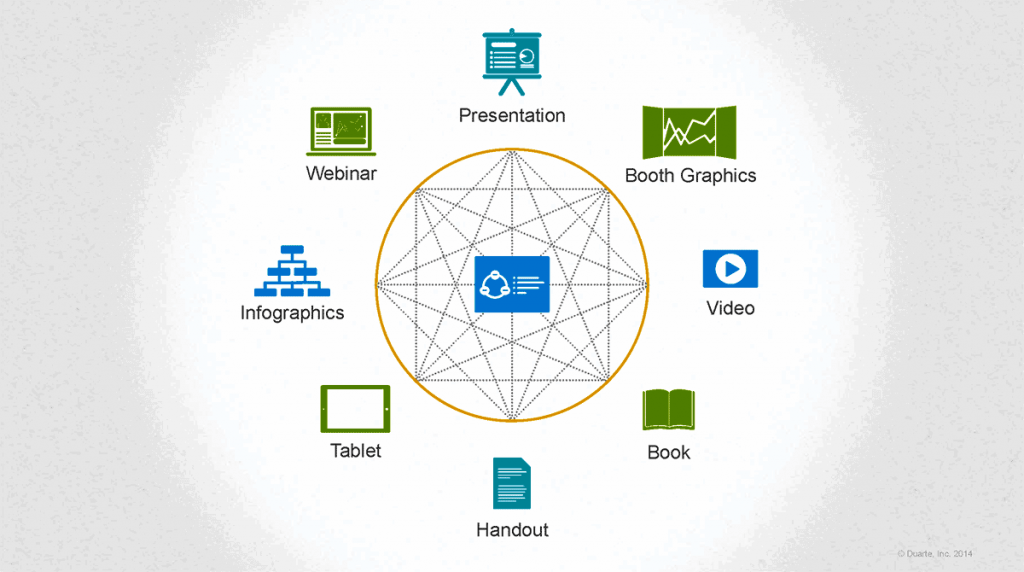
Patti then spoke more about Slidedocs. She said that presentations are content with less text whereas documents are content with much more text. Duarte felt that there was something in the middle that was missing, and thus the concept of Slidedocs was born.
At the slide level, a reader can get the idea from the heading. At the macro level, they can further go to Slide Sorter view and get a deeper idea.
Slidedocs are holistic, succinct, editable, and spreadable. But Slidedocs should not be used everywhere; they are more meant to be read than projected. Slidedocs perform many roles:
So how do you decide when to use slides or Slidedocs?
The views and opinions expressed in this blog post or content are those of the authors or the interviewees and do not necessarily reflect the official policy or position of any other agency, organization, employer, or company.
Filed Under:
Events
Tagged as: Duarte Design, Events, Patti Sanchez, PowerPoint, Presentation Summit
Comments Off on Patti Sanchez at the Presentation Summit 2014
For OneDrive and Dropbox, you can add them as a Place within PowerPoint for iPad to access and save files. Apple’s iCloud doesn’t work the same way. You can’t add iCloud as a Place in PowerPoint for iPad. To access and save files on your iCloud Drive, you will have to work a little differently as explained in this tutorial.

Learn how to work with files stored on your iCloud in PowerPoint for iPad.
Filed Under:
PowerPoint for iPad
Tagged as: iPad, PowerPoint, Tutorials
Comments Off on Working with iCloud in PowerPoint for iPad
We first explain all the Office 365 subscriptions available. We then explore how a quick Gaussian Blur effect in Photoshop can make cool PowerPoint slide backgrounds.
PowerPoint for iPad users can learn about installing PowerPoint, the Ribbon, and adding Places. PowerPoint 2013 users can learn about the Pen and Highlighter tools in Slide Show view. You can also learn about applying the Slide Master to individual slides, and changing the location of Slide Numbers. Finally, don’t miss the new discussions and templates of this week!

Read Indezine’s PowerPoint and Presenting News.
Filed Under:
Ezine
Tagged as: Ezine, Indezine, News, PowerPoint
Comments Off on PowerPoint and Presenting News: June 30, 2015
While presenting, annotation can play a large role in how you interact with your audience. In PowerPoint 2011, you can use the Pen tool that can change your static slide into a whiteboard upon which you can doodle and write! In this tutorial, we will learn how to use Pen tool in PowerPoint 2011 — follow these steps to learn more.

Learn how to use the Pen tool within Slide Show View in PowerPoint 2011 for Mac.
Filed Under:
PowerPoint 2011
Tagged as: Office for Mac, PowerPoint 2011, Tutorials
Comments Off on Learn PowerPoint 2011 for Mac: Using the Pen Tool in Slide Show View
Microsoft and the Office logo are trademarks or registered trademarks of Microsoft Corporation in the United States and/or other countries.