
This is the print version of this page. All content is copyright Indezine.com 2000-2026.
Thoughts and impressions of happenings in the world of PowerPoint and presentations, continuously updated since 2003.
See Also:
PowerPoint and Presenting Notes
PowerPoint and Presenting Glossary

Kristaps Petersons is from Riga, Latvia (Europe). He’s one of the members of the board of Directors at the Presentation Guild. With more than 15 years of experience in national and international broadcast journalism and film-making, Kristaps creates high-stakes lobby, sales and image presentations to his clients since 2015. Among his clients are names like Roche, Novartis, McDonald’s, Carlsberg Group, Volkswagen AG and governments like Canada, the UAE, Switzerland, Sweden, Estonia and Latvia.
In this conversation, Kristaps talks about his participation at the upcoming Presentation Summit 2022, being held on location in San Diego, CA, and virtually this year from October 9 to 12, 2022.
Filed Under:
Events
Tagged as: Events, Interviews, Kristaps Peterson, Presentation Summit
Comments Off on Presentation Summit 2022: Conversation with Kristaps Petersons

Nolan Haims has decades of experience designing visual communications for the largest brands and organizations. He trains organizations to communicate more visually and create compelling stories with data. Nolan speaks at national conferences, writes extensively on visual storytelling, and is one of the co-hosts of the long-running Presentation Podcast. As one of only 15 Microsoft PowerPoint MVPs in the U.S., he regularly advises the PowerPoint development team on the industry standard software. He is the author of The Better Deck Deck and runs his own design consultancy in Montclair, NJ.
In this conversation, Nolan talks about his participation at the upcoming Presentation Summit 2022, being held on location in San Diego, CA, and virtually this year from October 9 to 12, 2022.
Filed Under:
Events
Tagged as: Events, Interviews, Nolan Haims, Presentation Summit
Comments Off on Presentation Summit 2022: Conversation with Nolan Haims
Despite the enormous role they play in business, many presentations are created, used once, and then forgotten forever. This is an ineffective and wasteful approach that costs money and time while making it harder to sell. With a presentation management strategy in place—and the right presentation management solution on hand—enterprises can unlock the full power of their best presentation assets, increasing conversions, organizational effectiveness, and efficiency.

Image: By rawpixel.com / Freepik
Filed Under:
Guest Posts
Tagged as: AlexAnndra Ontra, Guest Post, Presentation Management, Shufflrr
Comments Off on How to Maximize the ROI on Your Presentations
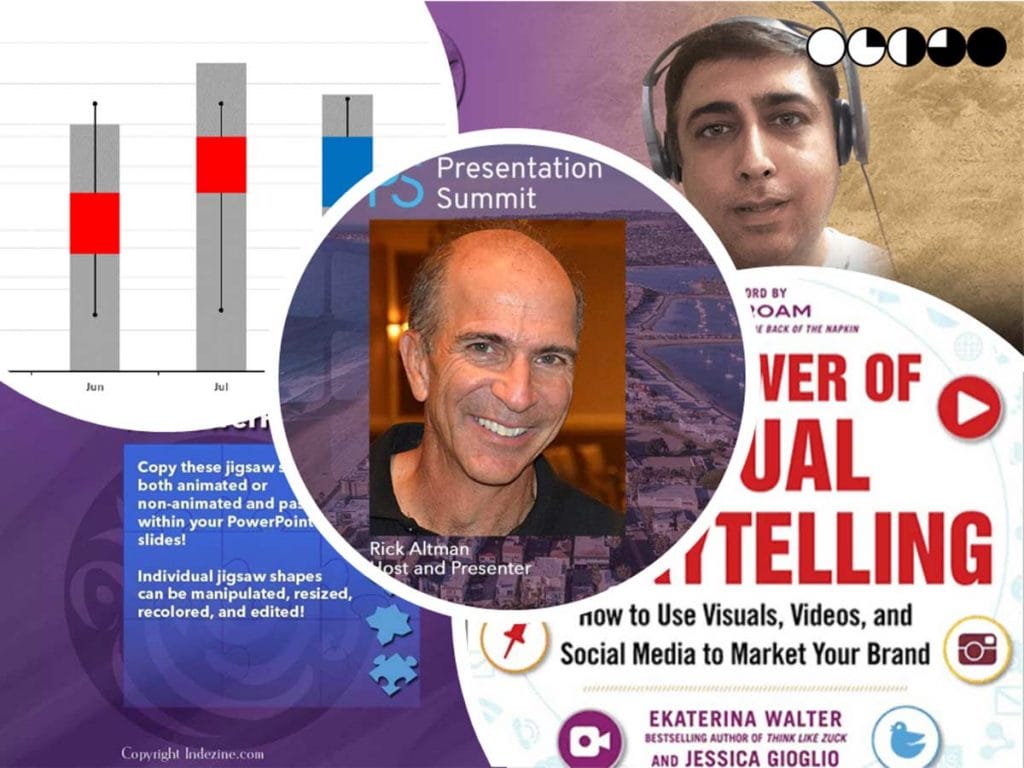
Harvey Balls are a favorite infographic for many users, and this week, we show you how you can use think-cell, a famous PowerPoint add-in to add Harvey Balls to your slides. This feature includes a video tutorial. We next feature Rick Altman, the host of the annual Presentation Summit, being held this October in San Diego, CA as well as virtually. Rick shares that this year his event is in its 20th year, and he has announced a sweepstake offer.
We then look at how Japanese rice charts evolved to become the stock charts we see today. We also bring you quotes, press releases, and templates from the last few days.
Stay informed about updated tutorials and happenings related to PowerPoint and presenting.
Filed Under:
Ezine
Tagged as: Ezine, Indezine, News, PowerPoint
Comments Off on PowerPoint and Presenting News: May 17, 2022
While it’s easy and effective to use Morph transition effects between typical slides, curves, or even exclamation-named objects, there are many more Morph tricks to play with. Morph allows you to play with words and characters, and in this tutorial, we will explore using the Morph transition effect in PowerPoint to create animated effects using words.

Learn how to morph between words on successive slides in PowerPoint 365 for Windows.
Filed Under:
PowerPoint 365
Tagged as: Microsoft 365, Microsoft Windows, Morph, Office 365, PowerPoint 365, Transitions, Tutorials
Comments Off on Using the Morph Transition with Words in PowerPoint 365 for Windows
Microsoft and the Office logo are trademarks or registered trademarks of Microsoft Corporation in the United States and/or other countries.