
One of the worst things that you can do to your PowerPoint presentation is to add a busy, multi-colored background to your slides. However, people do that all the time, and in the process, they compromise the subtlety and contrast of any content on their slides.

Learn how to recolor a picture background in PowerPoint 2010 and 2007 for Windows.
Related Posts
 PowerPoint 2007, 2010, and 2013 include several built-in Theme Fonts sets. Additionally, you can also create custom Theme Fonts sets from within Power...
 Although PowerPoint (and Microsoft Office ) includes several Theme Fonts sets, you can take this concept further by creating your own custom Theme Fon...
 With Theme Fonts, you get several sets of ready made choices in PowerPoint, and you can choose and apply from these pre-decided pairs of font choices,...
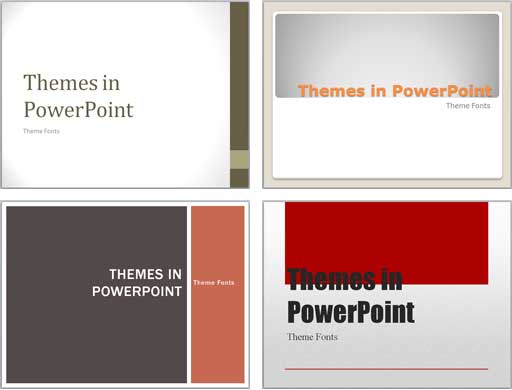 Each Theme contains several unique facets that set it apart from other Themes. These include Theme Fonts, Theme Colors, and Theme Effects. When you ap...