
In this series of tutorials on working with pictures in PowerPoint 2011, you have already learned about adjusting picture options, and applying Picture Styles, Picture Effects, and Picture Borders that can help you to enhance the look of your inserted pictures. These skills will make your pictures look better and will provide you with ideas to make your pictures stand apart. Yet, there are some basic picture editing skills that are very significant — these include learning how you can resize, rotate, and flip pictures.

Learn how to resize, rotate, and flip pictures in PowerPoint 2011 for Mac.
Related Posts
 PowerPoint's, Slide Layouts are a very useful feature because they let you use a boilerplate arrangement of placeholders repeatedly, resulting in slid...
 You may know how easy it is to flip or rotate a picture on your slide. But do this same flipping when you use a Picture fill within a shape -- and do ...
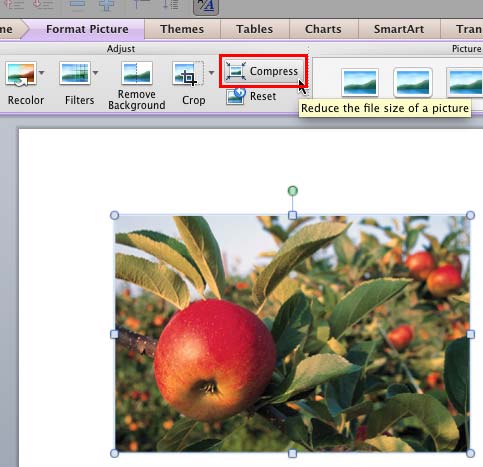 Although using pictures enhances the look of your presentation, it can also phenomenally increase the size of your presentation file. By default, Powe...
 Any manipulations you make to inserted pictures in PowerPoint are strictly only on the surface. The appearance of the picture changes on the slide, bu...